
Screen recorder for sales pitches and demos
Create personalized sales videos that stand out in the inbox. Record pitches, demos, and follow-ups, then share them with a link that makes it easy for prospects to respond.
“Thanks to Jumpshare, my first sales video helped us close a $70K service deal for a large company.”

Bernardo Klock
Founder at WEBK SEO

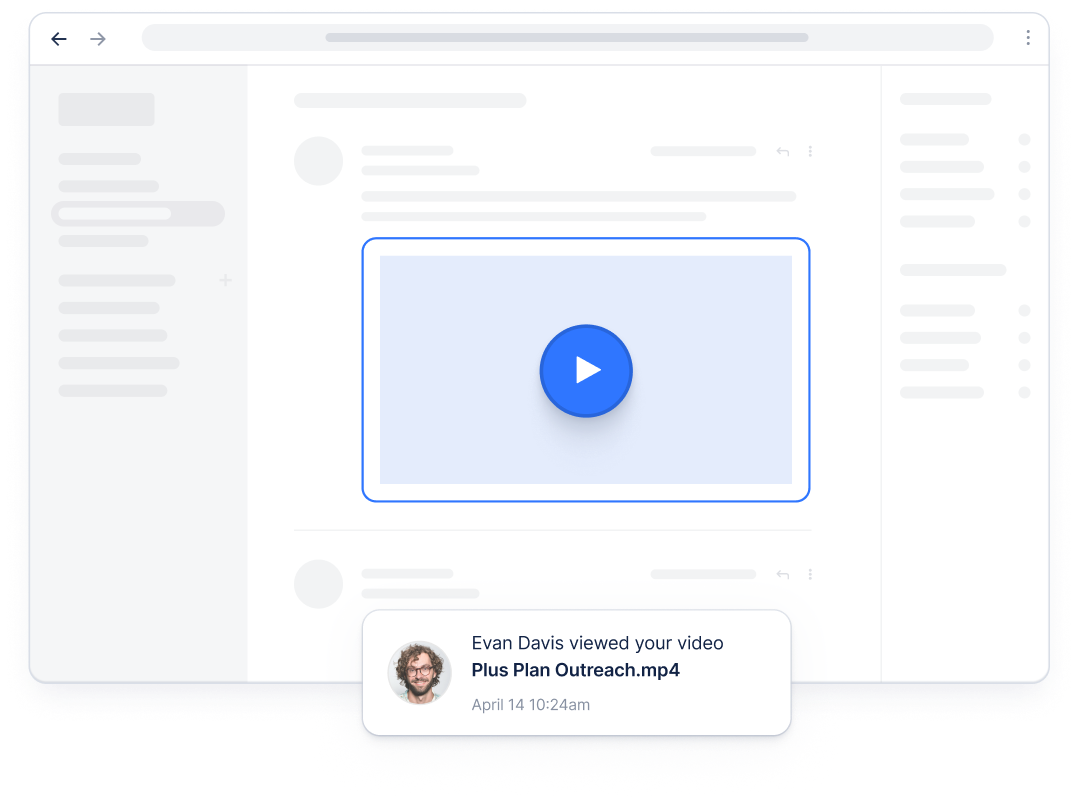
Sales reps use Jumpshare to
-

Record personalized sales pitches that stand out in the inbox
-
Send sales demos instead of scheduling another call
-
Follow up with short video demos that keep deals moving
-
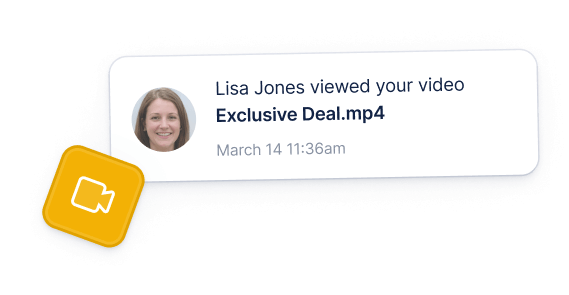
Track who watched, how long, and what they clicked
-
Onboard new customers with recorded video walkthroughs
-
Add a personal touch with your face and voice
Make sales outreach more personal
Give prospects a reason to stop and pay attention. Record a short video about their website, LinkedIn profile, or a relevant challenge, and add your webcam to make the message feel personal from the first second.
Create personalized outreach quickly
Record your screen and webcam together to show prospects you understand their business.
Keep every video on brand
Share videos on your custom domain with your logo and brand colors.
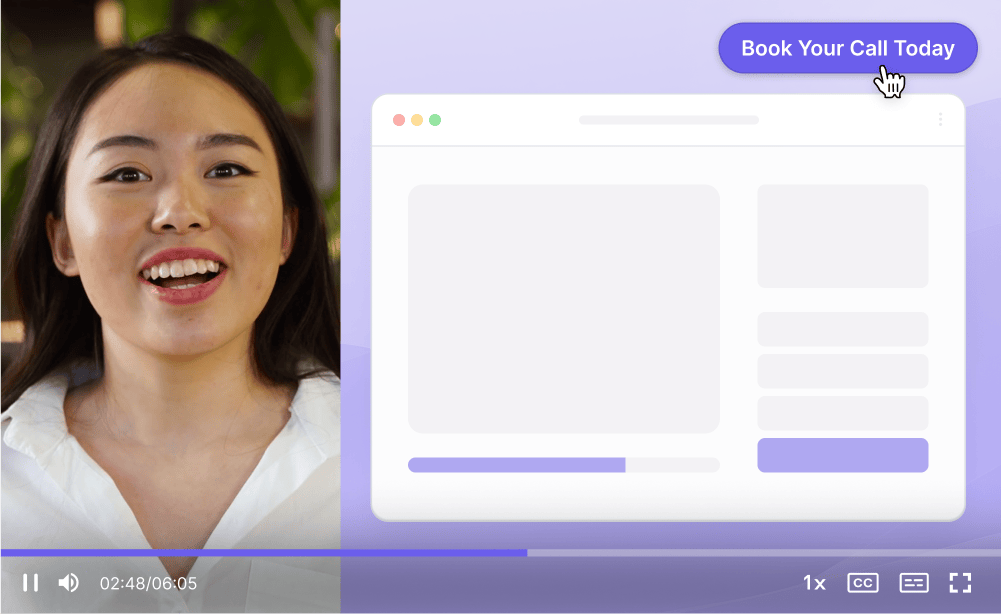
Help prospects take the next step
Add a clear next step
Add a call-to-action button to your videos so interested prospects can book a meeting, start a trial, or reply without searching for the next step.


Capture leads from your videos
Add a lead capture form to collect viewer details before or after they watch. This helps turn useful sales videos into a repeatable source of qualified leads.
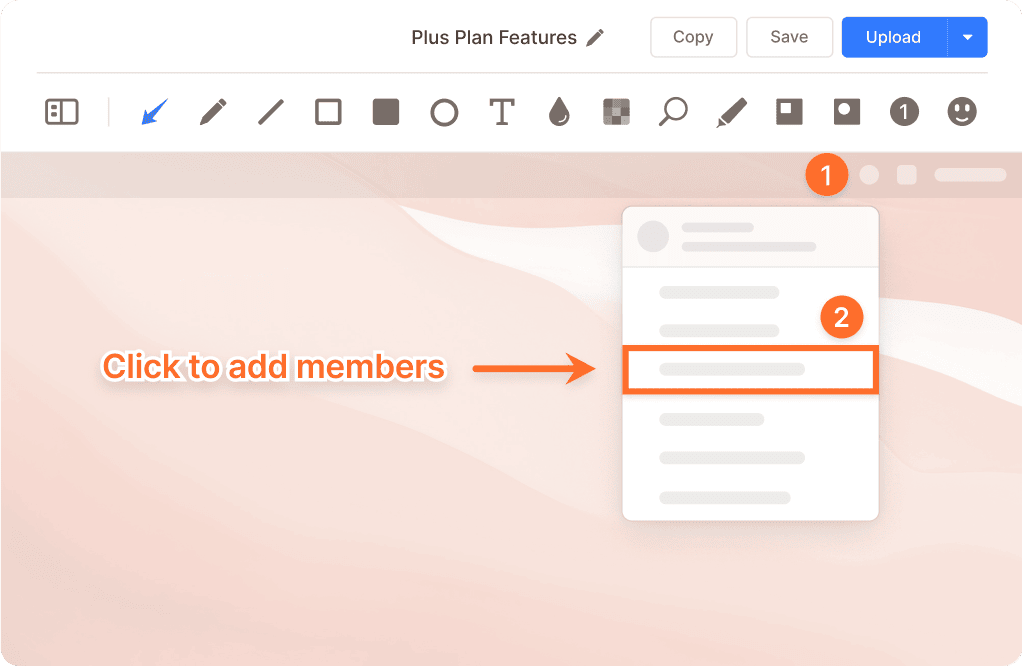
Share demos without another meeting
Record a polished product demo in up to 4K and let prospects watch when it suits them. You can also use short screen recordings to guide new customers through setup without adding another meeting.
Let prospects watch on their time
Record product walkthroughs prospects can watch and share internally with decision makers.
Answer objections on video
Reply to questions with a short screen recording instead of a long email.
Follow up when interest is high
Every Jumpshare screen recording includes video analytics, giving you a clearer view of which prospects are engaging with your message.
See who is showing interest
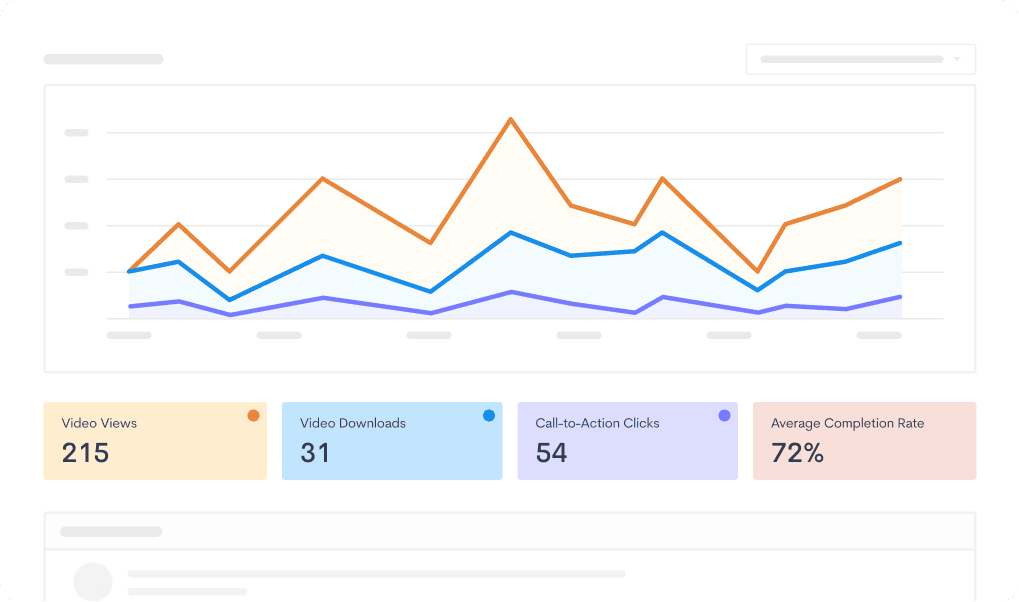
Track views, watch time, completion, and CTA clicks to spot your most engaged prospects.
Improve future outreach
Compare engagement to learn what works, then share successful recordings with your team.

Prepare sales videos faster with AI
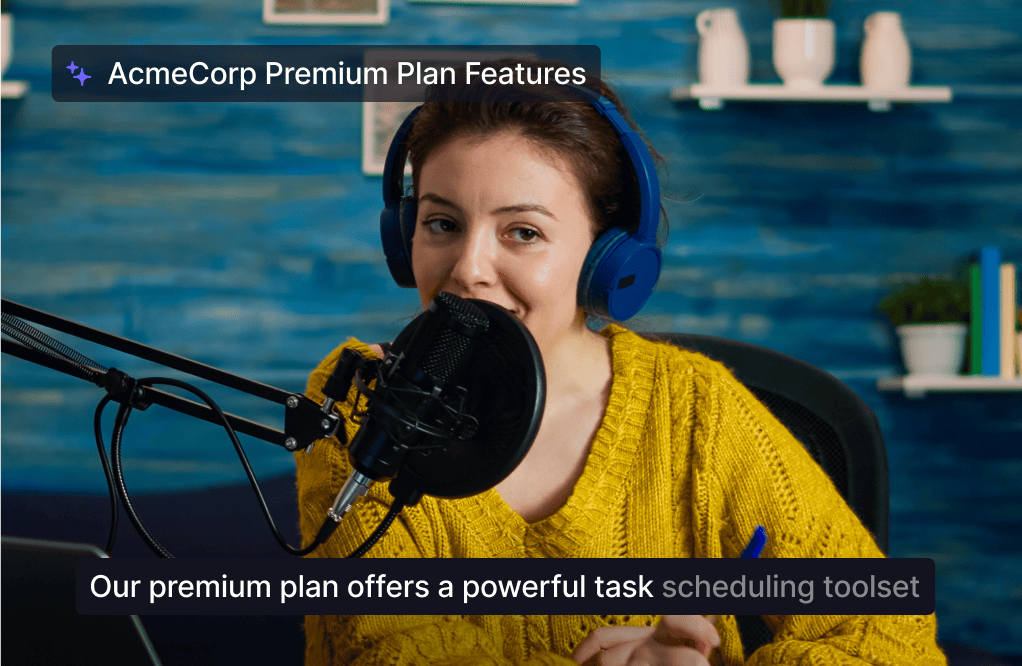
Jumpshare AI automatically prepares each sales video for sharing, reducing the time you spend editing.
Make videos easier to follow
Captions and transcripts in 50+ languages make videos easier to follow and search.
Ready to share sooner
Automatic titles, summaries, and chapters make every recording ready to share sooner.
One sales video tool for every stage
Jumpshare brings recording, editing, sharing, and analytics into one workflow, helping your team create stronger outreach and move interested prospects forward.
Screen Recording
Record your screen and webcam in up to 4K with no watermark. Draw live on screen to highlight exactly what matters as you pitch.
Instant Video Editing
Trim, split, and join recordings right where you record. Add a custom thumbnail that gives prospects a clear reason to open the video.
Video Analytics
Track views, watch time, CTA clicks, and completion rate so you can see which prospects are engaged.
Trusted by thousands of sales reps

4.9/5 based on our user reviews

Jumpshare saves me a ton of time and allows me to work on my schedule. Prospective customers love the screen recordings and the 'call to action' link for booking time. It’s a beautiful workflow.
Dave Baxter
Estate Agent at DB Realty

Frequently Asked Questions
What is video prospecting? +
Video prospecting means sending short, personalized videos to potential customers instead of plain text emails. Reps record their screen and webcam to walk through a prospect's website, a pain point, or a quick product teaser. Because the message is personal and visual, it can stand out in a crowded inbox and start a warmer conversation.
What should I look for in a sales video tool? +
It depends on how your team sells, but the practical things to look for are screen and webcam recording, easy link sharing, call-to-action buttons, viewer analytics, and custom branding. Jumpshare covers these in one tool, and AI adds titles, chapters, and captions automatically.
Is Jumpshare suitable for sales teams? +
Yes. Jumpshare combines screen recording, AI-generated titles and captions, call-to-action buttons, and video analytics in one tool, which covers most of what a sales team needs to create and send personalized videos.
How do I record a sales demo video? +
Open Jumpshare, select the screen or window you want to record, turn on your webcam and microphone, and hit record. Walk through your product the way you would in a live demo. When you stop, the recording uploads and a shareable link is copied to your clipboard, ready to paste into an email or LinkedIn message.
Can I track who watched my sales video? +
Yes. Every recording includes video analytics, so you can see views, watch time, completion rate, and CTA clicks for each video you send. This makes it easier to decide which prospects to follow up with first.
Do personalized sales videos really improve reply rates? +
Many sales teams find that they do, though results vary by audience and offer. A short recording of a prospect's website or pain point, with your face in the corner, shows effort in a way a templated email can't, and that tends to make replies more likely.
Can I add a call-to-action to my screen recordings? +
Yes. Jumpshare lets you add a call-to-action button directly to any video, so prospects can book a meeting, start a trial, or visit your pricing page the moment they finish watching. You can also add a lead capture form to collect viewer details.
Does Jumpshare add a watermark to sales videos? +
No. Jumpshare records in up to 4K with no watermark. You can also share videos from a custom domain with your own logo and brand colors, so every recording looks like it came from your company, not from a third-party tool.
Create your first sales video today
Download Jumpshare and create a personalized pitch, demo, or follow-up in minutes.
Record sales videos