
Screen recorder for engineering teams
Capture bug reports, code reviews, and technical walkthroughs with the context developers need. Share one link, reduce clarification, and get back to building.
“Jumpshare has drastically improved team morale as things are easier to understand visually.”

Kody Ahrens
Founder at Iconic Web Headquarters


Engineers use Jumpshare to
-

Record bug reports developers can reproduce
-
Enhance code reviews with recorded walkthroughs
-
Document systems and decisions as they build
-
Give feedback tied to the exact second on screen
-
Onboard engineers without shoulder-tapping
-
Ask for help without booking a call
Make complex code reviews easier to follow
Walk through the diff on screen, explain your reasoning, and let the author review it in their own time instead of parsing a long comment thread.
Show, don't tell
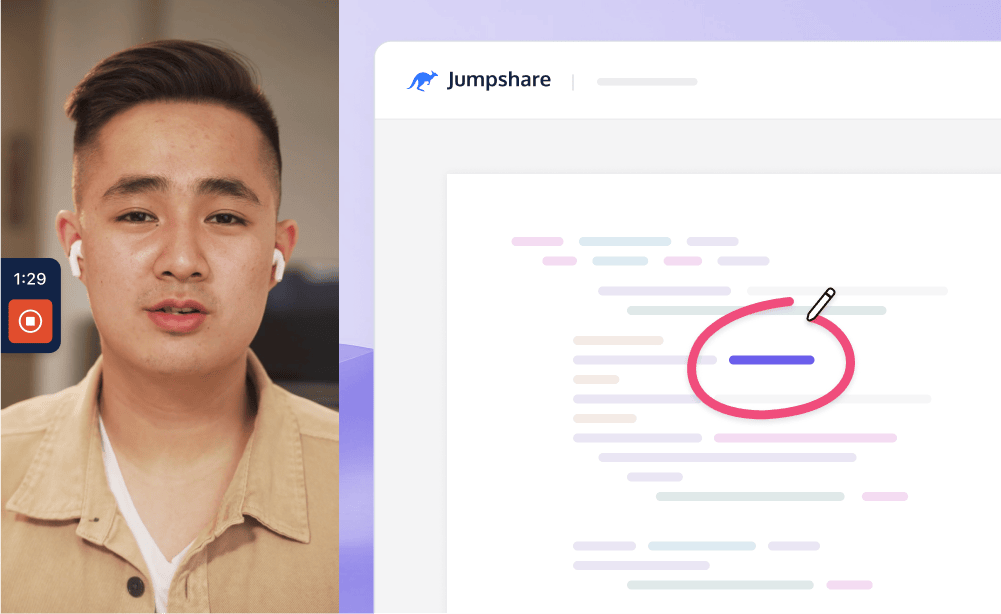
Draw over your screen to point at the exact function, line, or pattern you mean.
Review in your own time
Recorded reviews work across time zones and let teammates respond when it fits their deep-work schedule.
Bug report videos with the full reproduction context
Record the bug and reduce the write-up
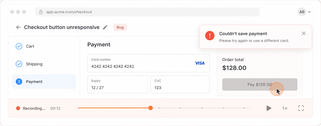
Hit record, trigger the bug, and stop. The recording captures the steps, state, and timing in context, helping developers reproduce the problem with fewer follow-up questions.
Paste the link in the ticket
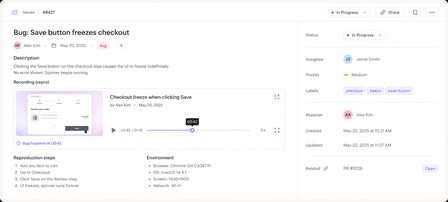
Every recording gets a shareable link the moment you stop. Drop it in Jira, GitHub, or Linear, and whoever picks up the ticket can scrub to the exact second things broke.
Document your work with engineering videos
Record a short walkthrough while the context is fresh, so system knowledge does not disappear between projects or handoffs.
Explain the why behind the code
Record architecture overviews, deploy processes, and post-mortems while the reasoning is still fresh.
Onboard engineers with recorded walkthroughs
Show new engineers how the system actually works instead of making them piece it together from stale docs.
Optimize problem solving with collaboration
Share recordings and feedback in one workspace, so the discussion stays attached to the video and its context.
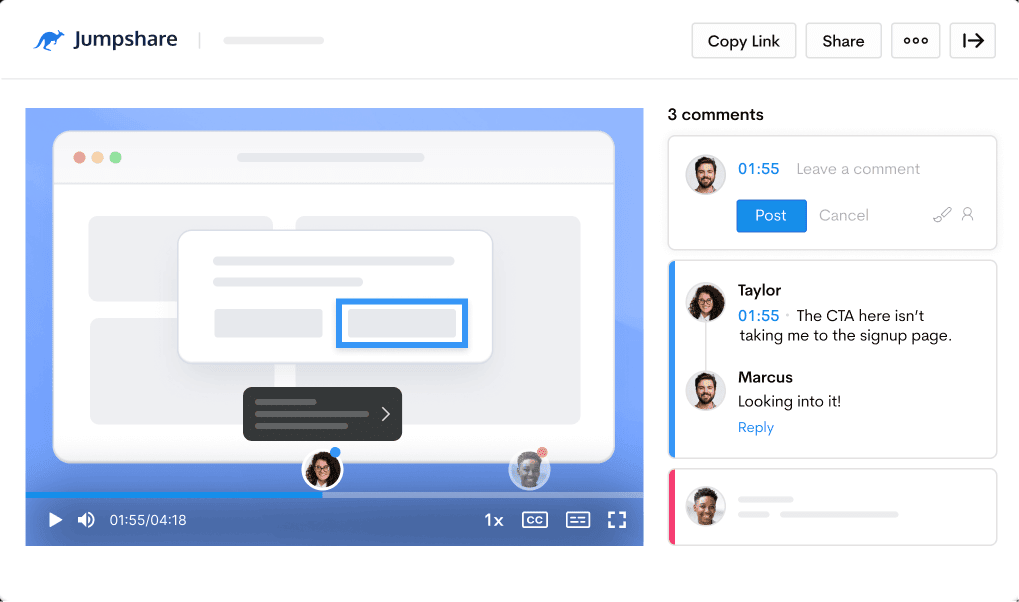
Provide feedback
Leave timestamped comments and video markups tied to the exact moment on screen.
Ask for help
Tag a teammate or workspace in a comment so they get the recording and full context together.

Turn recordings into useful engineering notes
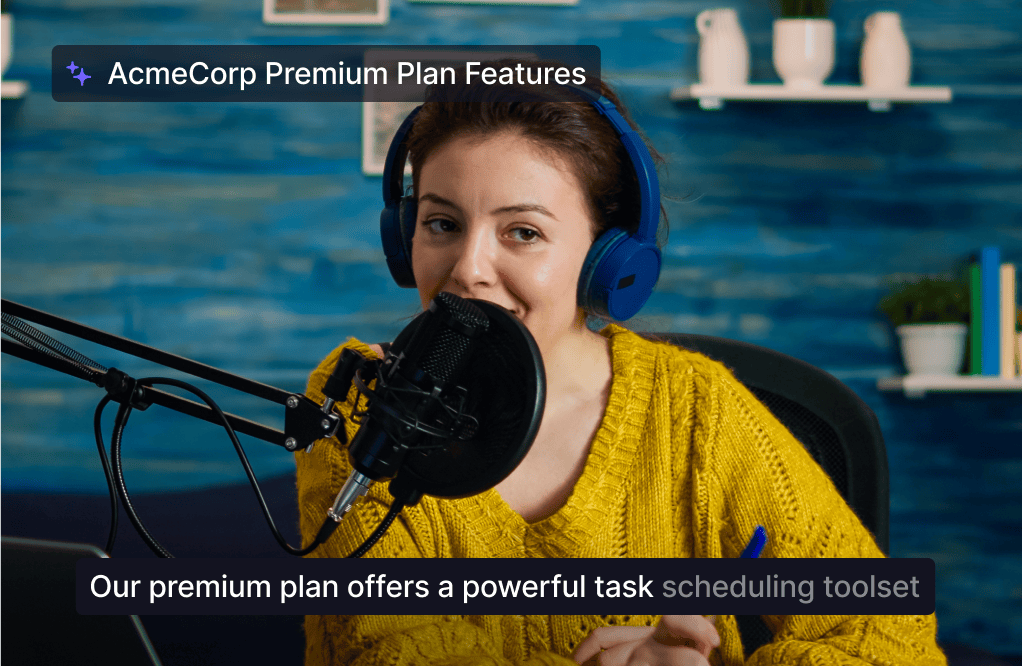
Turn recordings into titles, summaries, transcripts, and follow-up material with Jumpshare AI.
From recording to task
Use AI Actions to turn a bug report recording into a document, message, or assignable task with less manual typing.
Searchable by what was said
Every video gets a title, summary, chapters, and transcript, so old incidents stay searchable by what was said.
Everything engineering teams need in one screen recording tool
Recording, feedback, and a shared workspace in one place. Jumpshare is the screen recorder for engineering videos, from bug reports to architecture walkthroughs.
Screen Recording
Record your screen and webcam at the same time in up to 4K. Draw over your screen to highlight areas of interest as you record.
Video Markups
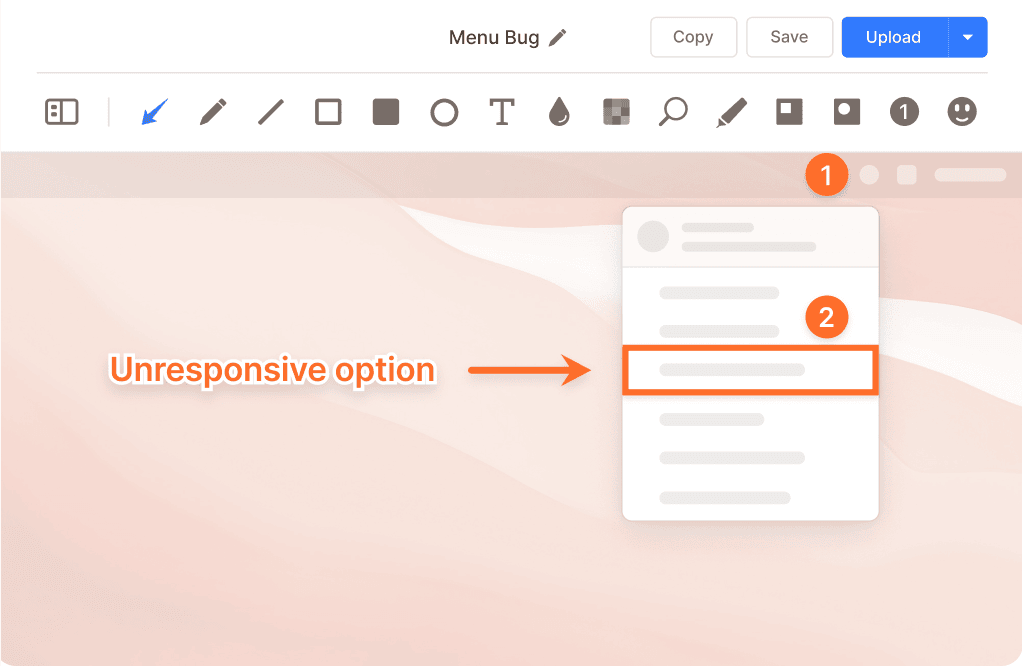
Add annotations to any point in a video along with a comment to explain your point with clarity.
Timestamped Comments
Keep feedback tied to the exact moment in a recording, so context never gets lost in long ticket threads.
Trusted by thousands of engineers

4.9/5 based on our user reviews

I use Jumpshare to quickly take screenshots for sharing with my developers, filing bugs and even for designing. Being able to screencast is by far my favorite feature. It’s super handy!
Reony Tonneyck
Product Designer at Fractal Industries

Frequently Asked Questions
What is the best screen recorder for engineering videos? +
It depends on what your team records most, but engineering use tends to reward a few specific things: instant link sharing so a recording can go straight into a ticket, timestamped comments so feedback lands on the exact frame, a transcript so old recordings stay searchable, and crisp capture so code on screen is actually readable. Jumpshare covers these in one workflow, which is why teams use it for everything from bug reports to architecture walkthroughs.
Why record bug report videos instead of writing steps to reproduce? +
Because a video captures the reproduction as it happens. A written report describes what the reporter thinks happened; a recording shows the actual steps, state, and timing, including the details the reporter didn't realize mattered. This can reduce the “can't reproduce” back-and-forth caused by missing steps or details.
How do I record a bug report video? +
Start recording before you trigger the bug, walk through the steps as you normally would, and stop once the failure is on screen. Narrate anything the video can't show, like what you expected to happen. In Jumpshare, the link is copied to your clipboard the moment you stop, so the report can be shared quickly: record, paste into the ticket, move on.
Do recorded code reviews replace written review comments? +
Not entirely, and they shouldn't. Written comments are still better for small, specific changes. Recordings earn their place when the feedback is architectural or when a thread has gone three replies deep without converging, which is usually a sign the medium is the problem. A short walkthrough of the diff can resolve architectural questions that are difficult to settle in a long comment thread.
Can I put Jumpshare recordings in Jira, GitHub, or Linear tickets? +
Yes. Every recording gets a shareable link the moment you stop, and links work anywhere text does. Whoever picks up the ticket watches the recording in a browser, no download or account needed, and can scrub to the exact second the failure happens.
Are the recordings searchable later? +
Yes, and this matters more than teams expect. Every video gets a transcript automatically, so you can search recordings by what was said in them. Six months after an incident, that is often the fastest way to find the walkthrough where someone explained what actually went wrong.
How do engineering teams usually start using a screen recorder? +
Bug reports are often the easiest place to start, because the payoff is immediate and nobody has to change their workflow: a recording link goes where the written report used to. Code review walkthroughs and onboarding videos tend to follow once the team has seen how much back-and-forth the first use removes.
Record your next bug with the full context
Download Jumpshare and share your first video bug report today.
Record bug reports