
Screen recorder for customer support
Resolve tickets faster by showing the fix instead of describing it. Record your screen, share the link in your reply, and make the next step clear.
“Jumpshare has made my work faster and easier, and our customers love the visual explanations.”

Tomasz Nowicki
Support Hero at SmugMug

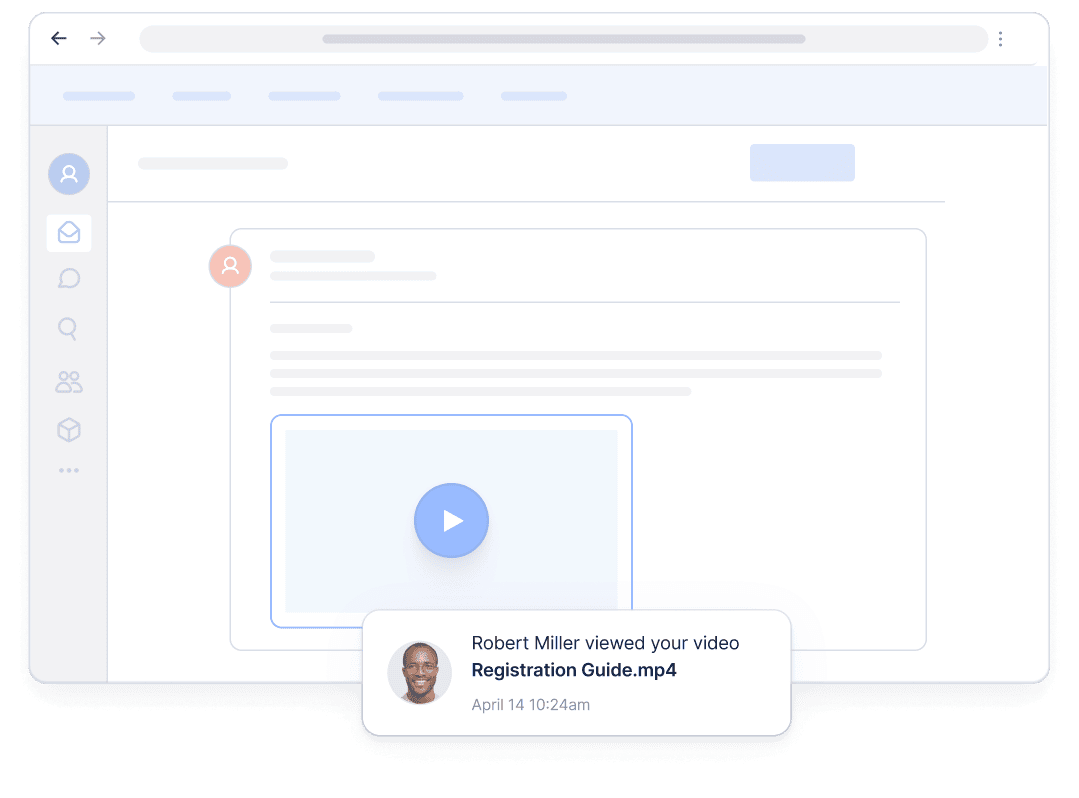
Support agents use Jumpshare to
-

Close support tickets faster with video replies
-
Walk customers through fixes step by step
-
Explain complex fixes without long email threads
-
Record video guides for the help center
-
Reuse recordings for common questions
-
Give customers a better support experience
Give customers personalized video support
Show customers how to resolve an issue instead of explaining every step in writing. Record the fix in the customer's actual account or setup, so they can follow the right steps without repeated clarification.
Explain complex fixes clearly
Guide customers through complicated problems with a short video they can pause or rewatch at any step.
Point customers to the right place
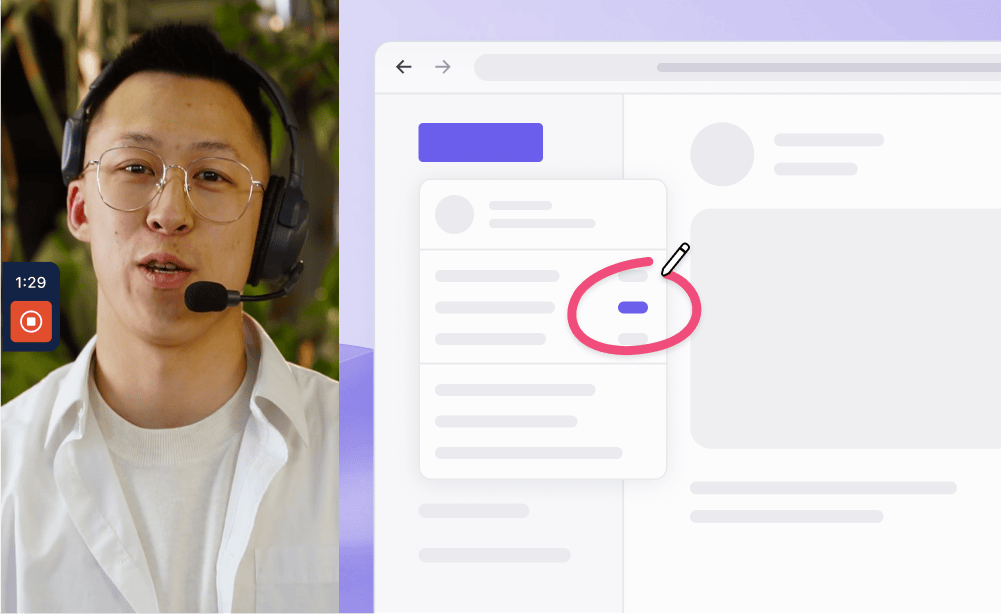
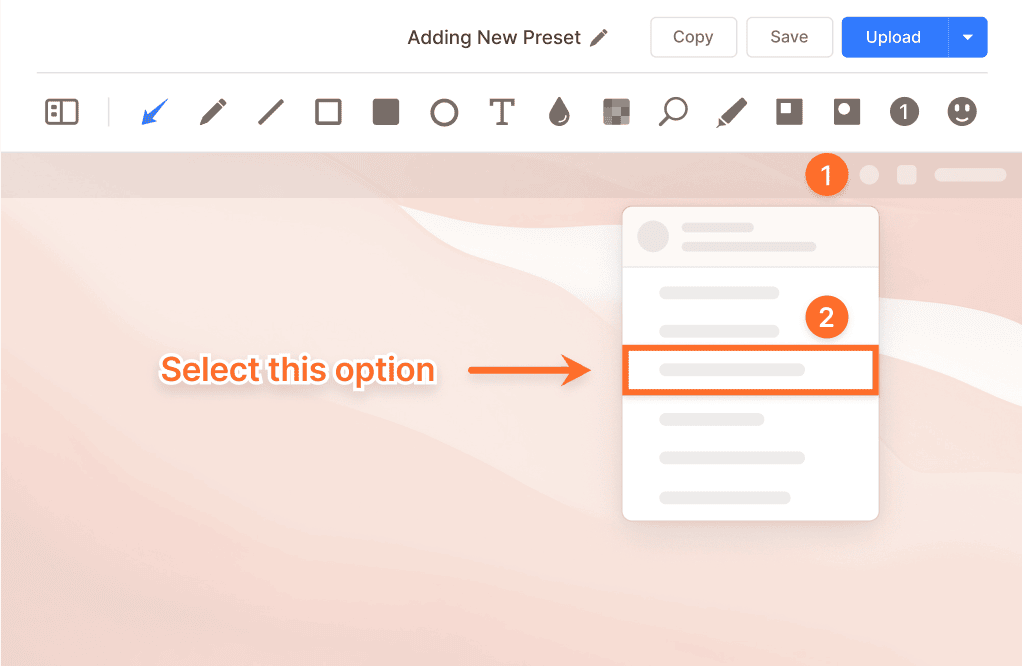
Draw over your screen as you record to highlight the button, menu, or setting the customer needs.
Resolve issues with fewer replies
Show the fix in the customer's context
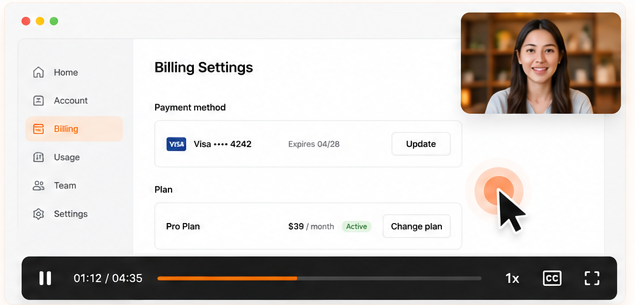
Record the solution in the customer's actual account or scenario. A personalized recording gives customers clearer context and can reduce follow-up questions.
Easy for customers to watch
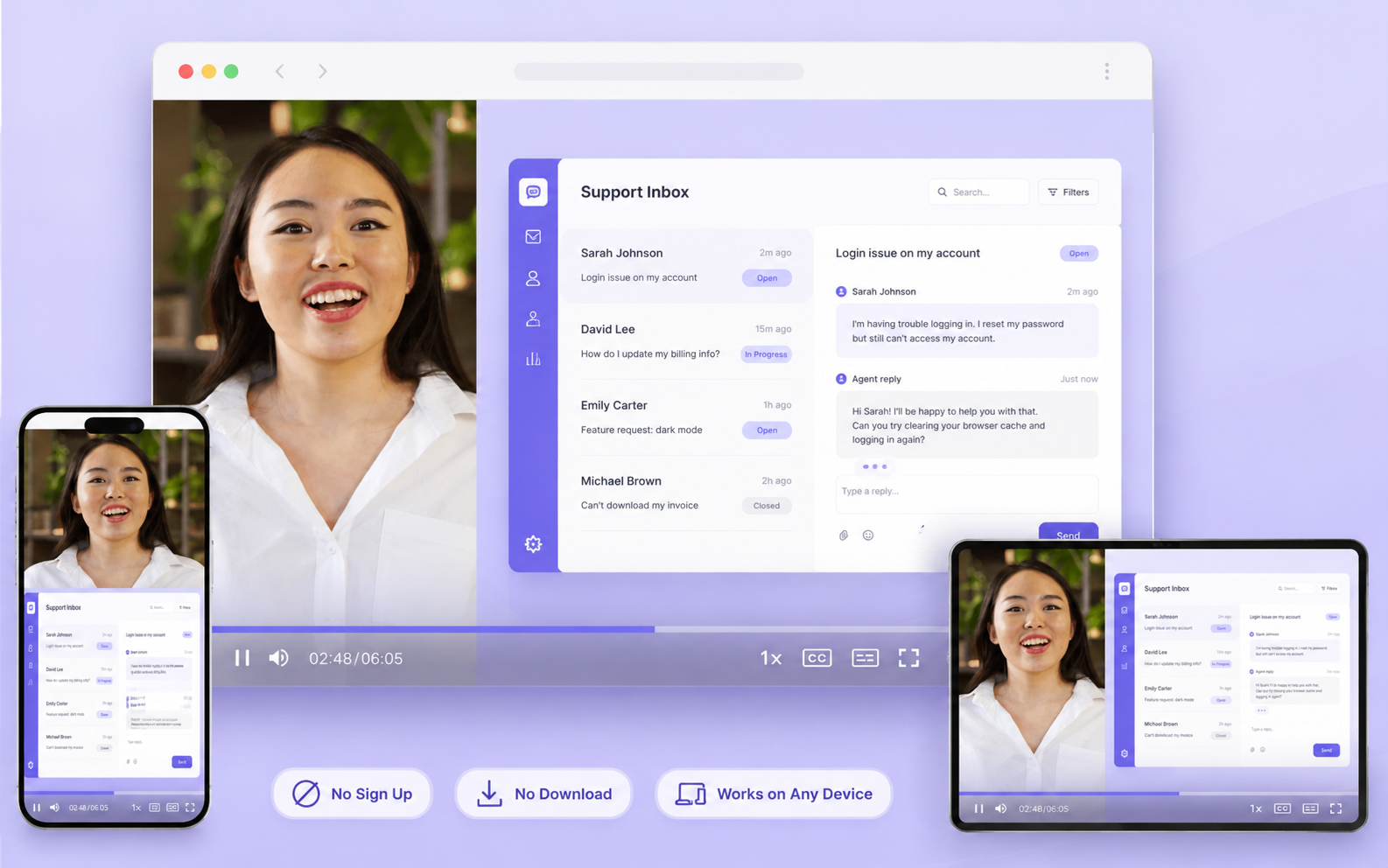
Customers open the link in any browser and watch instantly, on any device. There are no attachments to download and no accounts to create.
Build a help center that answers with video
Turn your most common questions into recorded video guides so customers can find answers on their own, before they need to open a ticket.
Record the answer once
Record recurring walkthroughs once so every agent can share the same clear, consistent answer.
Embed guides where customers look
Embed video guides in help center articles to make multi-step procedures easier to follow.
Keep feedback connected to the recording
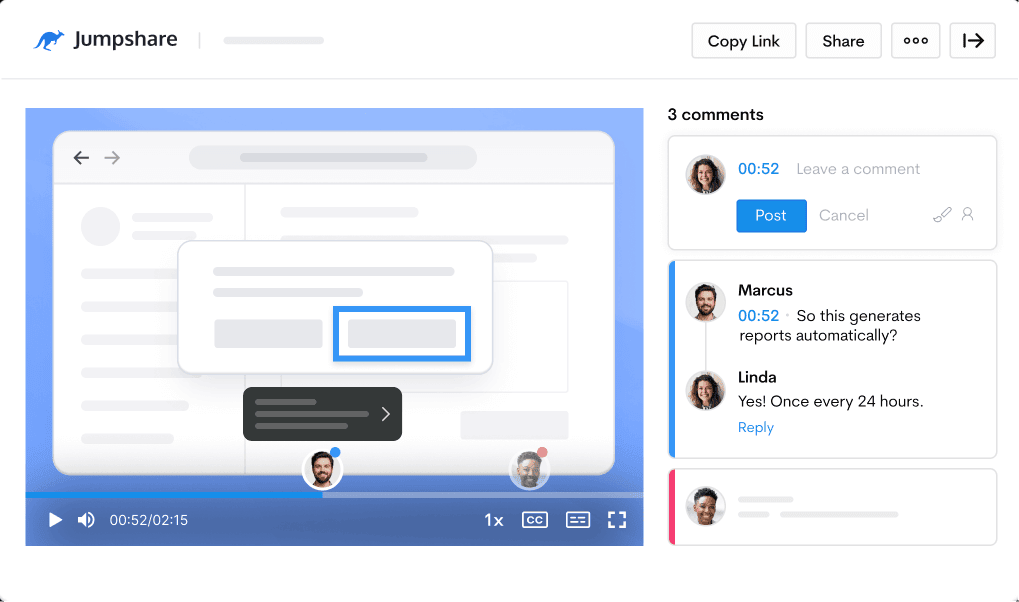
Have detailed, contextual conversations in the comments under the videos you share, so follow-up questions stay connected to the recording they are about.
Address queries
Answer questions or highlight important details directly under the recording the customer is watching.
Converse visually
Use video markups and timestamped comments so customers can point to the exact moment something went wrong.

Let AI prepare each recording for sharing
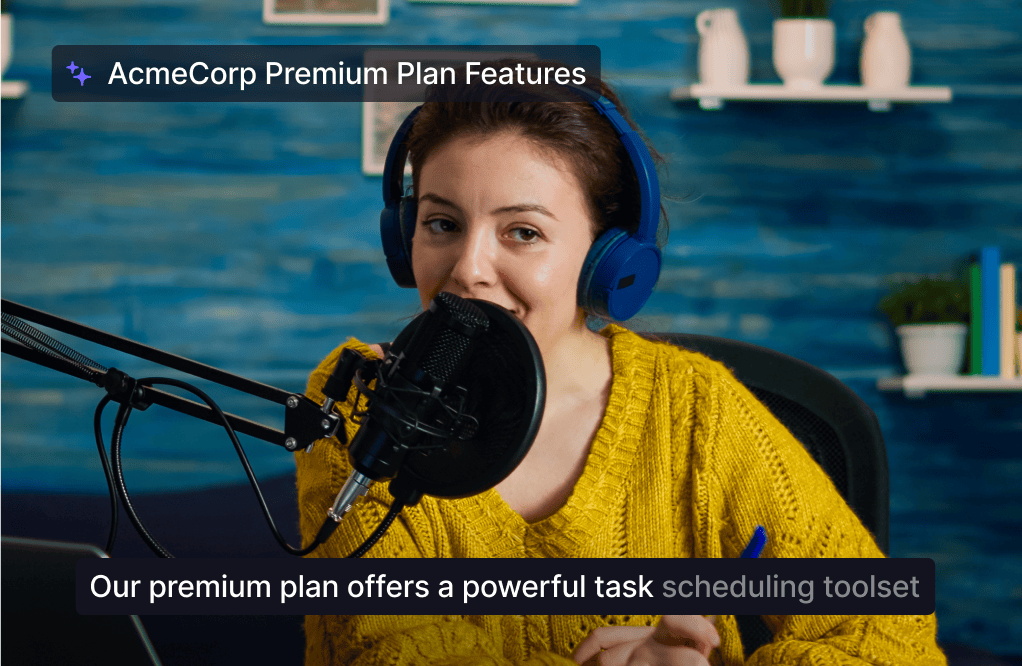
Jumpshare AI automatically prepares each recording for sharing, reducing the time agents spend editing.
Support customers in any language
Add captions and transcripts in over 50 languages so customers around the world can follow each response more easily.
From recording to help article
Automatic titles, summaries, and chapters organize each recording, while AI Actions can turn a walkthrough into a step-by-step knowledge base guide.
Everything support teams need in one screen recording tool
Recording, comments, and help center guides in one place. Jumpshare is the screen recorder for customer support teams.
Screen Recording
Record your screen and webcam at the same time in up to 4K. Draw over your screen to highlight areas of interest as you record.
Video Markups
Add annotations to any point in a video along with a comment to explain your point with clarity.
Timestamped Comments
Keep the conversation tied to the exact moment in a recording, so follow-ups never lose their reference.
Trusted by thousands of support agents

4.9/5 based on our user reviews

We often get customers thanking us for creating a video of their issue and account, it saves us time going back and forth but also is just a much better support experience to receive a video.
Dan Corkill
CEO at Follow Up Boss

Frequently Asked Questions
What is the best screen recorder for customer support? +
It depends on how your team works, but for support the practical things to look for are quick recording, links that customers can open without installing anything, drawing tools so you can point at the right setting, and captions for customers who speak other languages. Jumpshare covers these in one tool, and the same recordings can be reused as help center guides.
Why reply to tickets with video instead of written steps? +
Video makes complex instructions easier to follow because customers can see each step on screen. It is especially helpful for visual or multi-step issues. With Jumpshare, support teams can quickly record a personalized response, add annotations, and share it with a link instead of writing a lengthy explanation.
How do I record a support video reply? +
Open the customer's scenario, hit record, and walk through the fix while explaining what you're doing. You can draw on screen to highlight a step that's easy to miss. When you stop recording, Jumpshare copies a shareable link to your clipboard, so you can paste it straight into your ticket reply.
Do customers need to install anything to watch? +
No. Customers open the link in any browser, on any device, and the video plays right away. There are no attachments to download and no accounts to create, which keeps things simple for someone who just wants their issue resolved.
Does video support work for customers in other languages? +
Yes. Every recording gets captions and a transcript in over 50 languages. Seeing an action performed on screen also helps on its own, since the customer can see which button to click even if some of the wording is unfamiliar.
Can I reuse support videos instead of re-recording answers? +
Yes. When the same question keeps coming up, you can record one walkthrough and save it. Agents can paste the same link into future tickets, and you can embed the video in a help center article so customers can find the answer themselves. Jumpshare AI can also turn a recording into a written step-by-step guide for your knowledge base.
Will recording videos slow my agents down? +
There is a short learning curve, since narrating while you click takes some getting used to. Once agents are comfortable, recording a reply is often quicker than writing detailed steps, especially for multi-step issues. Many teams also find they spend less time on follow-up questions, though how much depends on the kinds of tickets you handle.

Deliver a better support experience
Download the Jumpshare app and record your first video reply today.
Create support videos