
Screen recorder for video marketing
Create marketing videos that are ready to share in minutes. Record product demos, explainers, and social clips, keep them on brand, and see what earns engagement.
“Jumpshare has increased my profits by making it easy to record and send videos instantly.”

Chris Schaeffer
Google Ads Specialist


Marketers use Jumpshare to
-

Record product demos and explainer videos in minutes
-
Launch features with videos that show, not tell
-
Embed videos on landing pages to support conversion
-
Repurpose one recording across social, email, and web
-
Capture leads directly inside every video
-
See which campaigns and videos drive action
Create campaign-ready videos without a production crew
Record your screen and webcam to create product demos, explainers, and campaign updates without a studio or production crew.
Publish anywhere your audience is
Share your marketing videos in seconds over social media, drop them into email campaigns, or embed them on your website and landing pages.
Make every video on-brand
Host videos on a custom domain with your logo and brand colors, so every recording feels like part of your brand.
Give every viewer a clear next step
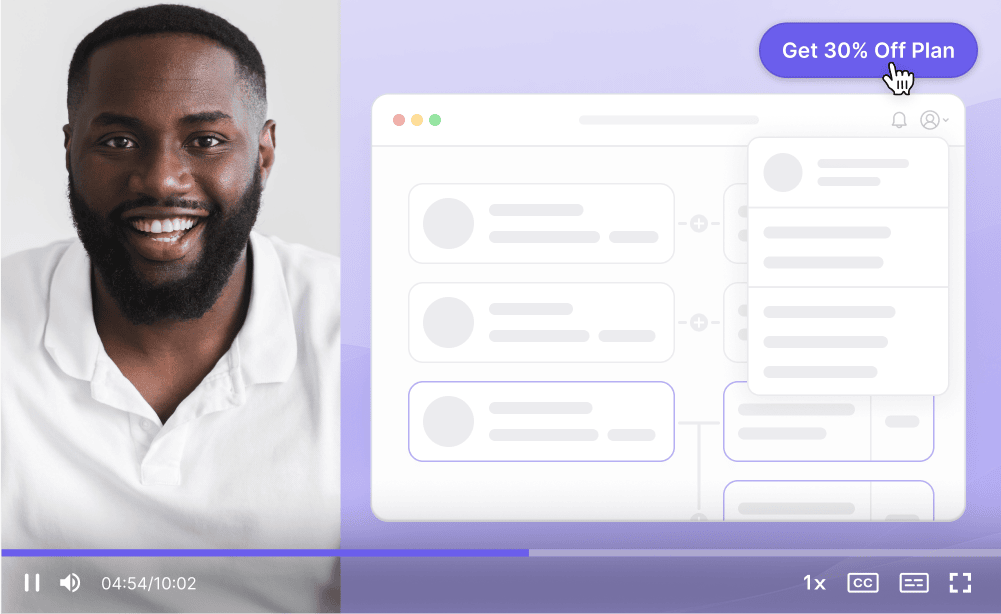
Add a clear next step to every video
Add a call-to-action button that takes viewers to a product, offer, signup page, or demo request while the message is still fresh.


Capture leads inside your videos
Add a lead capture form to any video so interested viewers can share their details without leaving the experience.
Launch faster with video for every campaign
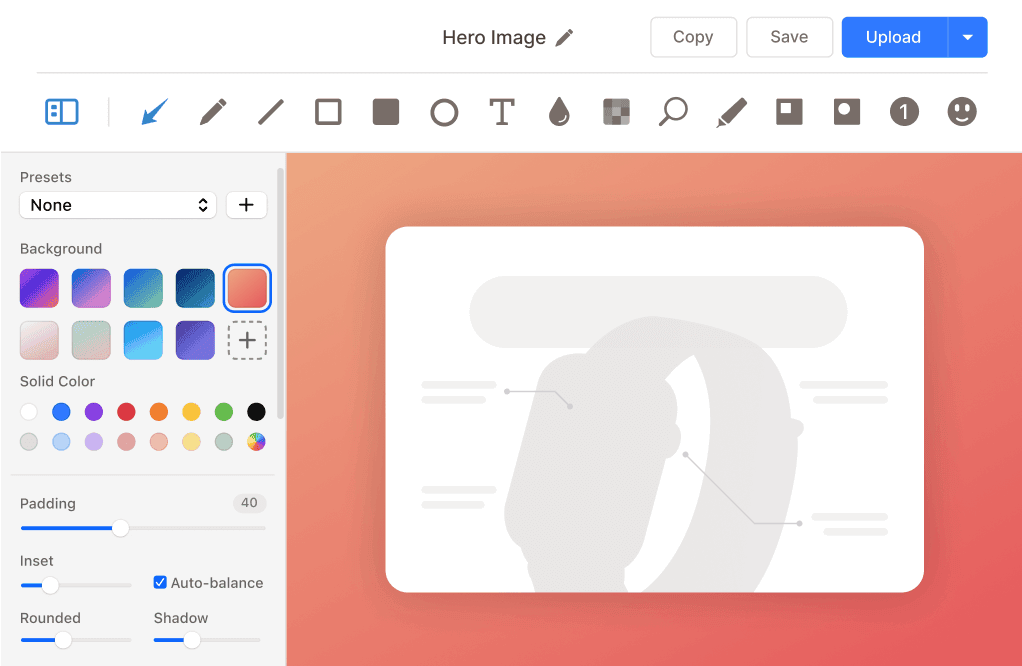
From feature announcements to social clips, one screen recording can power an entire campaign and be repurposed across channels.
Announce with a demo, not a changelog
Show new features in action with a quick walkthrough that is easier to understand than release notes alone.
Turn recordings into social content
Trim highlights from longer videos and convert key moments into clips sized for every social platform.
Build informed strategies with video analytics
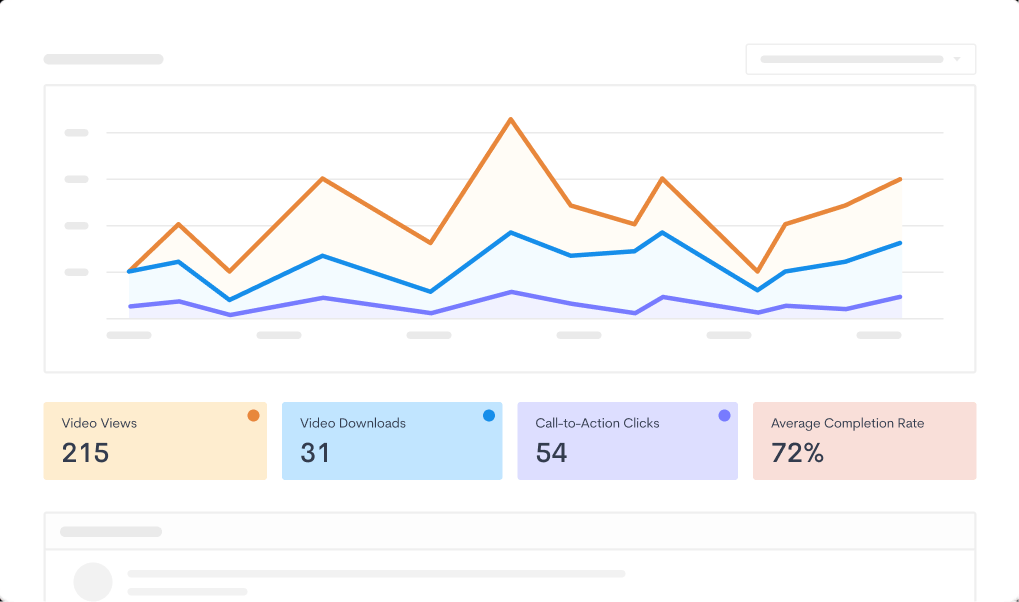
Use video analytics to see how viewers engage across your campaigns and where interest starts to drop.
Gather detailed insights
Monitor views, watch time, video completion, call-to-action clicks, and engagement trends across campaigns.
Build on the content that performs
See which videos drive clicks or signups and where viewers lose interest, then use those insights to improve the next campaign.

Publish polished marketing videos faster with AI
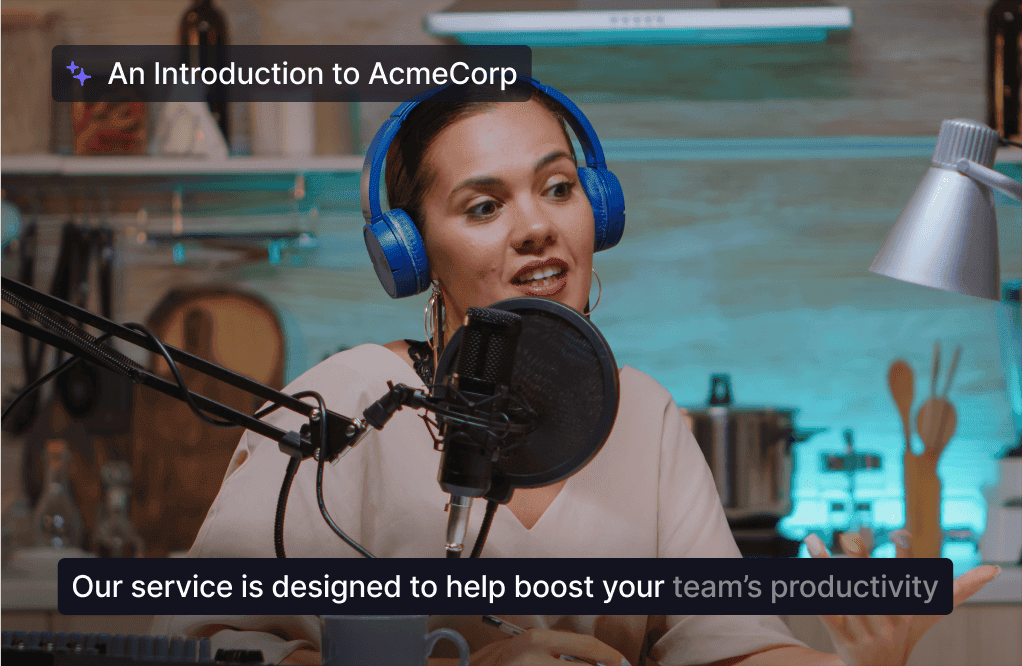
Jumpshare AI automatically adds helpful finishing touches after you stop recording, reducing the work needed before publishing.
Expand your audience
Add captions and transcripts in over 50 languages so more viewers can follow your message, including people watching without sound.
Prepare every recording for sharing
Automatic titles, summaries, and chapters make recordings easier to review and share without a separate editing workflow.
Everything marketers need in one screen recording tool
Screen recording, editing, branding, sharing, and analytics in one place. Jumpshare is the video marketing tool that helps your content ship faster and work harder.
Screen Recording
Record your screen and webcam at the same time in up to 4K. Draw over your screen to highlight areas of interest as you record.
Instant Video Editing
Trim, split, and join recordings right where you record. Add custom thumbnails that earn the click on any channel.
Video Analytics
Track when, where, and how your content is viewed. Get detailed engagement insights for every video and campaign.
Trusted by thousands of marketers

4.9/5 based on our user reviews

Jumpshare is one of those "where have you been my whole life" tools. And it's truly 1st to none when it comes to its competitors. Such a genius product, and I hope they stay around forever!
Qwantel Latay
Online Business Manager

Frequently Asked Questions
What is video marketing? +
Video marketing is the use of video content to promote a product, brand, or service across channels like your website, email, and social media. It includes product demos, explainer videos, tutorials, testimonials, and social clips. Video can make products and ideas easier to understand, which is why many marketing teams use it alongside text and static content.
What is the best video marketing tool for small teams? +
For a small team, a useful video marketing tool should make recording, branding, sharing, and measurement easy without requiring a production crew. Jumpshare lets one marketer record a screen and webcam video in 4K, polish it with AI-generated titles, chapters, and captions, brand it with a custom domain and logo, and share it with a single link. Built-in analytics then show which videos actually drive engagement and conversions.
How do I create marketing videos without an editor or agency? +
Use a screen recorder with built-in editing and AI. With Jumpshare, you record your screen and webcam, trim or split the recording in the same tool, and let AI add the title, summary, chapters, and captions automatically. Simple marketing videos, such as product walkthroughs and feature announcements, can often go from idea to a shareable link in the same workflow.
Can I track how my marketing videos perform? +
Yes. Jumpshare includes video analytics for every recording. You can track views, watch time, completion rate, engagement trends, and call-to-action clicks across campaigns, so you know which videos convert and which ones need a new angle.
Can I embed Jumpshare videos on my website or landing pages? +
Yes. Every Jumpshare video can be embedded on your website or landing pages, or shared directly to social media and email. You can add a call-to-action button or a lead capture form to the video itself, giving interested viewers a direct next step.
Does Jumpshare support custom branding for marketing videos? +
Yes. You can host videos on a custom domain, display your logo, and match the video player colors to your brand identity. Your marketing videos look like part of your website, not a third-party tool.


Create your next marketing video
Download Jumpshare and create a branded marketing video you can share today.
Create marketing videos