
Screen recorder for designers
Present designs with the context behind every decision. Record a walkthrough, share one link, and collect feedback directly on the video.
“Jumpshare is such an integral part of my design workflow, I'm not sure how I'd survive without it”

Colin Boyter
Graphics Designer

Designers use Jumpshare to
-

Present designs to clients without a meeting
-
Walk through the thinking, not just the mockup
-
Collect feedback tied to the exact frame
-
Review motion and interaction on video
-
Keep every revision thread in one place
-
Share work with a link, no client logins
Present design decisions clearly with video
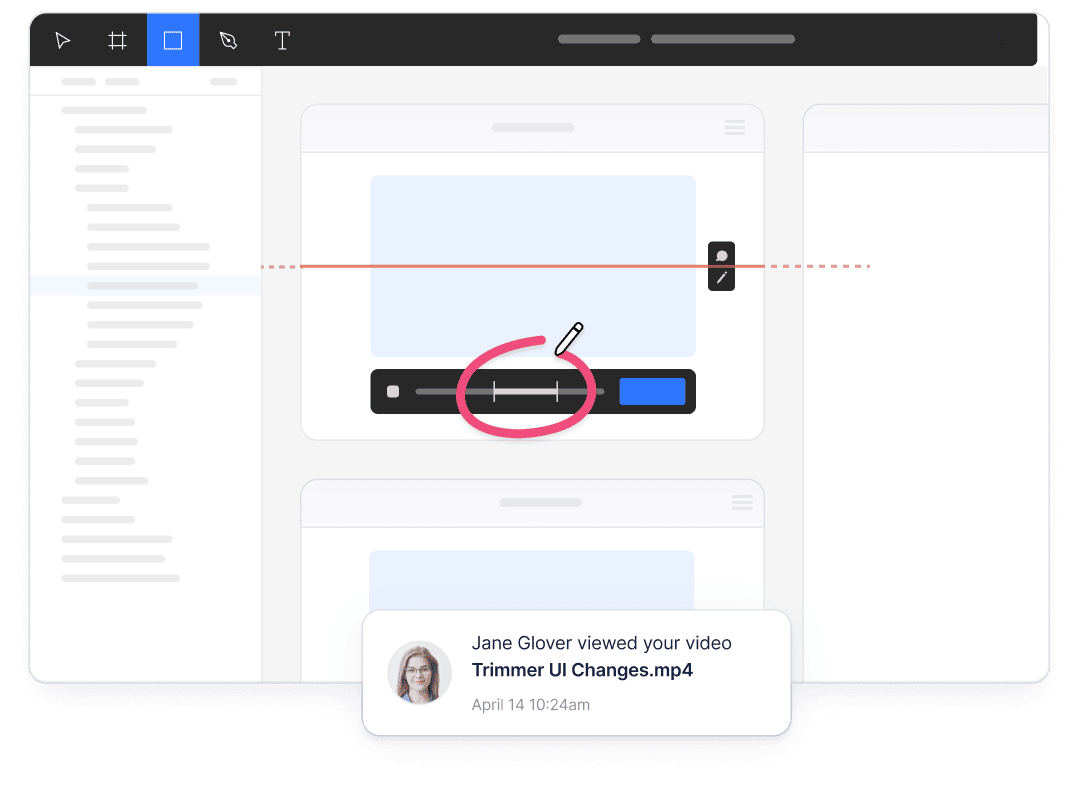
A static mockup shows the result, but not always the reasoning behind it. Record a walkthrough of your design and talk through the reasoning, so clients and teammates see the thinking, not just the pixels.
Communicate asynchronously
Share video walkthroughs clients and teammates can watch on their own time, without scheduling a meeting.
Point to the details that matter
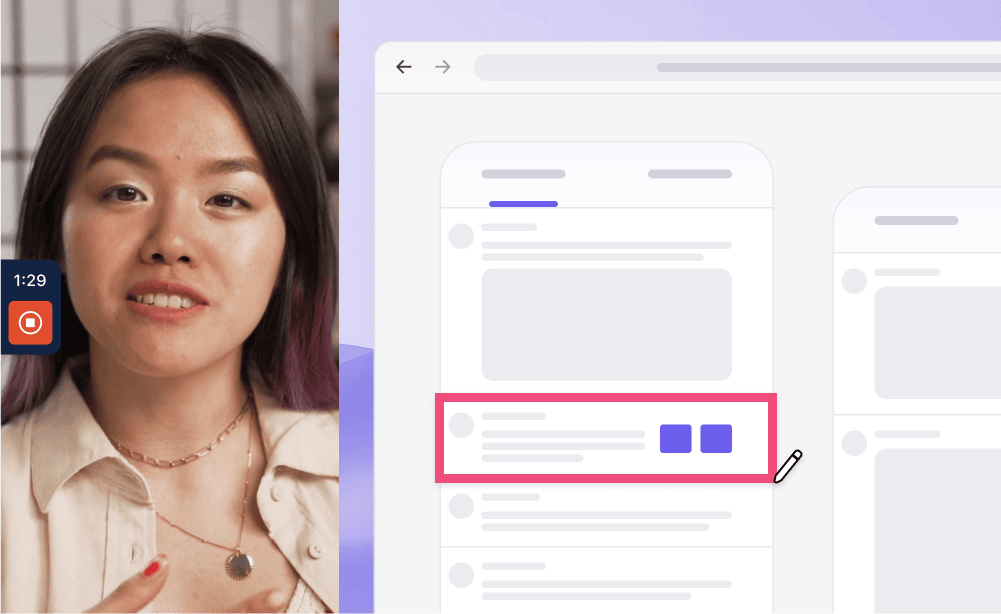
Draw on screen as you record to highlight the exact spacing, type, state, or interaction you mean.
Collect feedback you can act on
Clients review with just a link
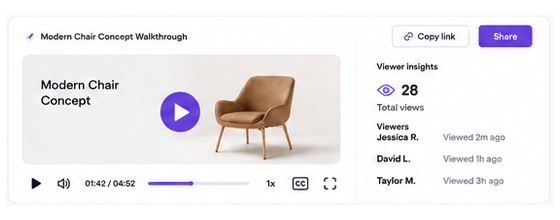
Clients open the link in a browser, watch the walkthrough, and comment without creating an account or downloading a file.
Facilitate revisions with video
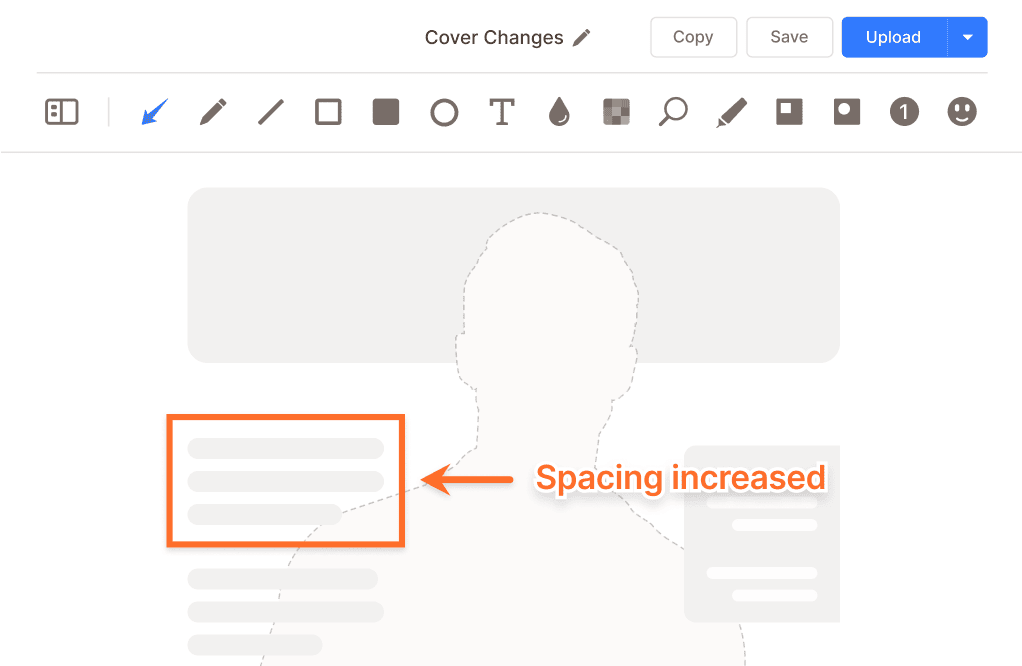
Show the change you are suggesting instead of relying on a written description. Clear visual context can reduce unnecessary back-and-forth during revisions.
Review motion design properly
Record animations, transitions, and interactions in motion so reviewers can judge how they actually feel.
Show what changed and why
Record a quick before-and-after walkthrough so reviewers can see exactly what changed and why.
Collaborate and exchange ideas with ease
Work faster together. Share recordings in a collaborative space where the feedback stays attached to the work it refers to.
Brainstorm together
Keep client and team ideas in one comment thread under the work instead of across chat, email, and meetings.
Converse visually
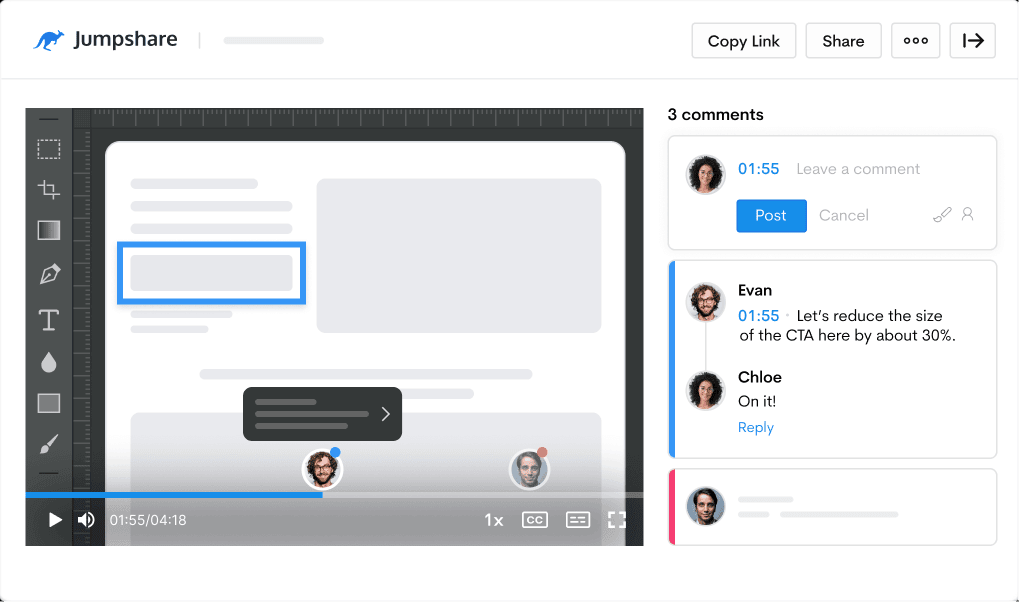
Use video markups and timestamped comments so every note points to the exact moment it refers to.

Turn walkthroughs into useful handoff material
Jumpshare AI automatically prepares recordings for sharing, reducing the work needed after a presentation.
From walkthrough to handoff doc
Turn a design walkthrough into handoff notes, messages, or tasks with AI Actions.
Ready for any audience
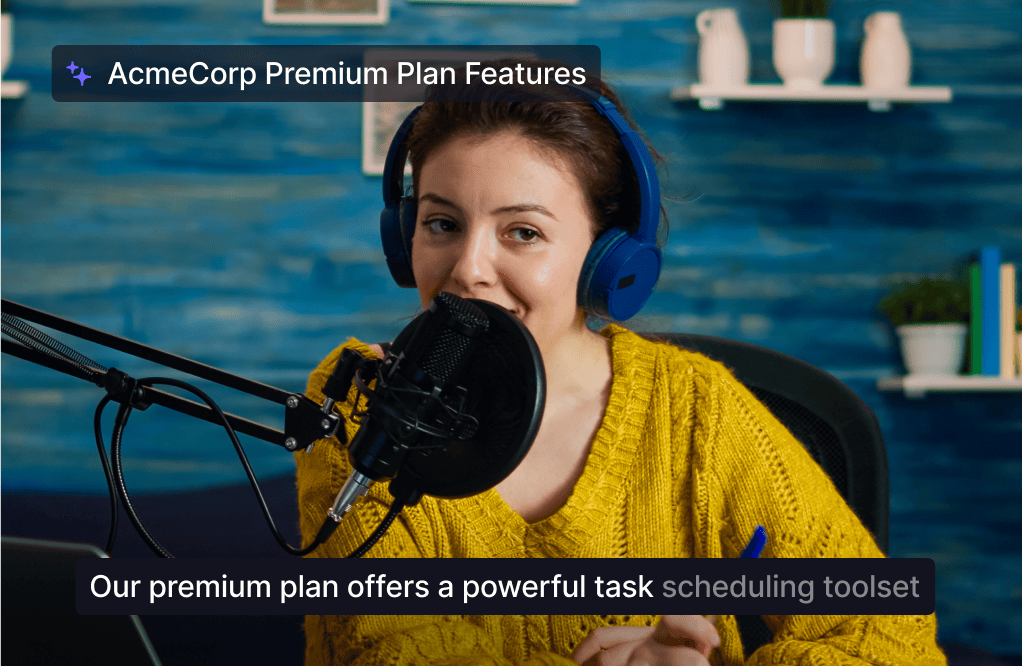
Automatic titles, summaries, chapters, and captions in over 50 languages make every walkthrough easier to navigate and share.
Everything designers need in one screen recording tool
Recording, feedback, and a shared workspace in one place. Jumpshare is the screen recorder for designers who present, revise, and ship work with clients and teams.
Screen Recording
Record your screen and webcam at the same time in up to 4K. Draw over your screen to highlight areas of interest as you record.
Video Markups
Add annotations to any point in a video along with a comment to explain your point with clarity.
Timestamped Comments
Keep feedback tied to the exact frame in a recording, so revision threads never lose their reference.
Trusted by thousands of designers

4.9/5 based on our user reviews

Jumpshare is exactly what was missing from my workflow. It's made a massive difference in my productivity and I don't know what I'd do without it.
Justin Mitchell
Product Designer at SoFriendly

Frequently Asked Questions
What is the best screen recorder for designers? +
It depends on how much of your work involves showing it to other people, because that is where recorders differ most. Design work rewards a few specifics: crisp capture so type and spacing are actually legible, drawing tools so you can point while you talk, timestamped comments so feedback lands on the exact frame, and links that clients can open without creating an account. Jumpshare covers these in one workflow, which is why designers use it for everything from client presentations to motion reviews.
Why present designs on video instead of sending the file? +
A file shows the outcome, while a walkthrough also explains the reasoning. When a client sees only the mockup, they react to taste; when they hear why the hierarchy works the way it does, they react to the thinking. Explaining the reasoning can help clients give more informed feedback instead of reacting only to the final screen.
How do I record a design walkthrough? +
Open the design and hit record with your webcam on. Walk through the work the way you would in a meeting: what the goal was, what you tried, why this direction won. Draw on screen to point at what you mean, and keep it under five minutes if you can. In Jumpshare, the link is copied to your clipboard when you stop, ready to send to the client or drop into the project channel.
Can clients leave feedback without a Jumpshare account? +
Yes. Clients open the link in any browser, watch the walkthrough, and leave comments at specific timestamps, no account or download needed. This matters more than it sounds: every extra step between a client and their feedback is a place where the feedback either stalls or moves to a vague email instead.
Is video review actually better for motion design? +
For motion work, video is especially useful. Animations, transitions, and micro-interactions cannot be evaluated in a static file, and describing timing in writing is guesswork. Recording the prototype in motion lets reviewers comment on how it feels at the exact moment something happens, which is the whole question in motion design.
Does video replace design tools like Figma comments? +
No, and it isn't trying to. Comments inside your design tool are still right for small, specific notes between designers. Recordings earn their place at the boundaries: presenting to clients who don't live in Figma, explaining a direction before the file exists, and reviewing motion. Most designers use both, with video carrying the conversations that a pinned comment can't.
How do design teams usually start using a screen recorder? +
Usually with client presentations, because the payoff shows up in the very next revision round. Recording a walkthrough instead of attaching a file adds a little preparation time but can lead to clearer feedback in the next revision round. Internal design reviews and motion critiques usually follow once the team sees the difference.

Present your next design with more context
Download Jumpshare and share your first design walkthrough today.
Record design walkthroughs
Comments land on the exact frame
Reviewers leave timestamped comments and markups on the exact frame, making feedback more specific and easier to act on.