
Screen recorder for remote work
Keep your remote team aligned without adding another meeting. Record an update, share one link, and let teammates watch, comment, and respond in their own time zone.
“Jumpshare is one of the first apps our team insisted on installing on our new laptops.”

Dan Corkill
CEO at Follow Up Boss

Remote teams use Jumpshare to
-

Replace status meetings with async video updates
-
Train and onboard teammates from anywhere
-
Resolve issues faster with short recordings
-
Share project updates across time zones
-
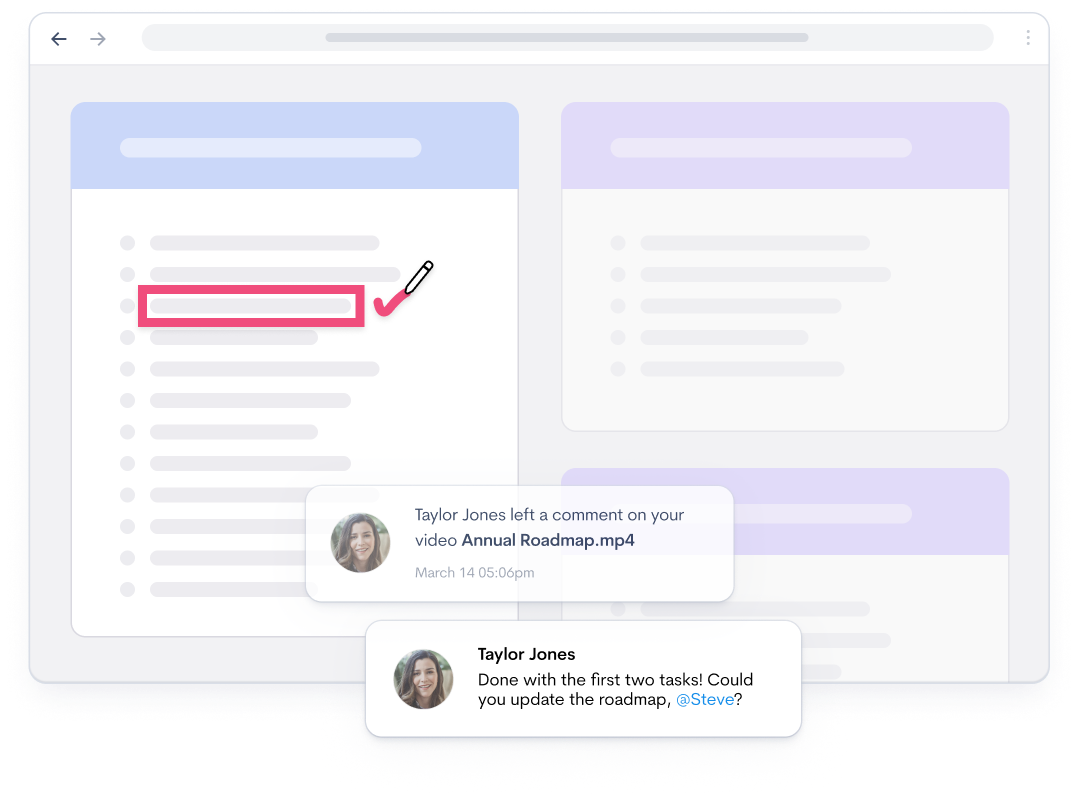
Give feedback that points at the exact moment
-
Keep decisions where everyone can find them
Replace routine meetings with clear video updates
Written updates can lose context, and meetings rarely suit every time zone. Record your screen and voice, share the link, and teammates can catch up when their day starts.
Offer quick clarity
Replace long messages and email threads with a recording that takes two minutes to make. Talking through a visual problem can be faster and clearer than writing a long explanation.
Show, don’t schedule
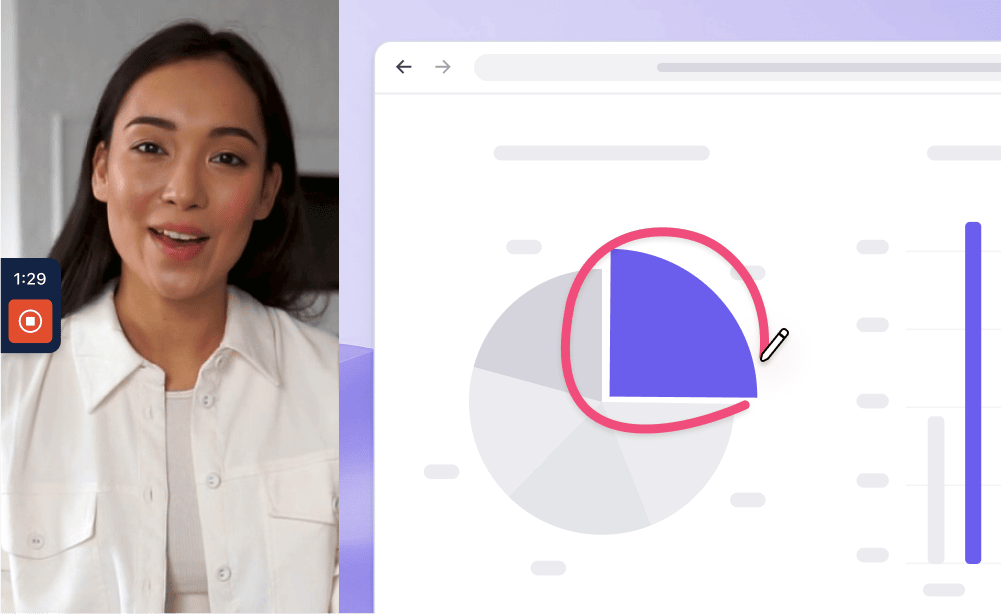
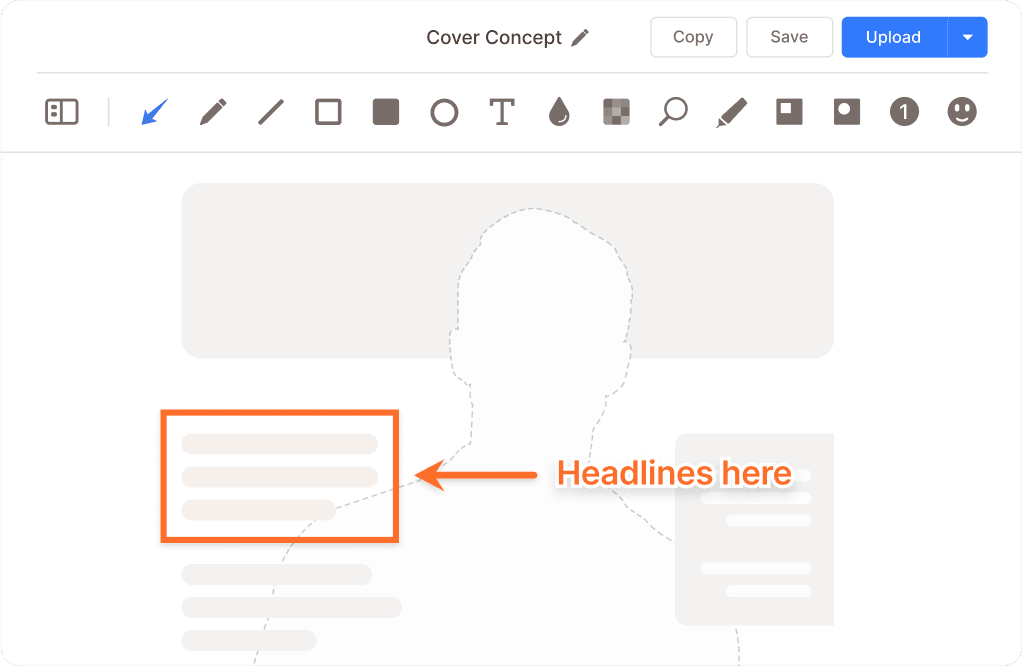
Draw on your screen while you talk to point at exactly what you mean. No one has to wait for your working hours to overlap.
Keep work moving across every time zone
Share async standup updates
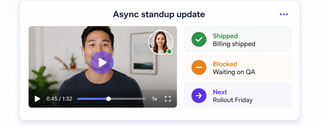
Record a two-minute update on what shipped, what’s blocked, and what’s next. Your team stays aligned without carving out the same hour on five calendars.
Keep every decision findable
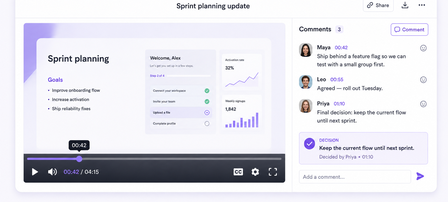
The discussion lives in the comments under each recording. When someone asks “what did we decide?”, the answer is under the video, not lost in a chat thread from last month.
Onboard and train teammates from anywhere
Remote hires need clear explanations without waiting for someone to be online. Record a walkthrough once and reuse it for every teammate.
Create training material once
Record instructional videos for tools, processes, and responsibilities. Answer a question once on video instead of once per new hire.
Build a searchable knowledge base
Every recording gets a transcript, so teammates can search for the exact moment a process was explained instead of rewatching from the start.
Collaborate in a shared workspace
Share recordings in one workspace so teammates can review and build on the work. The conversation stays attached in comments.
Offer precise feedback
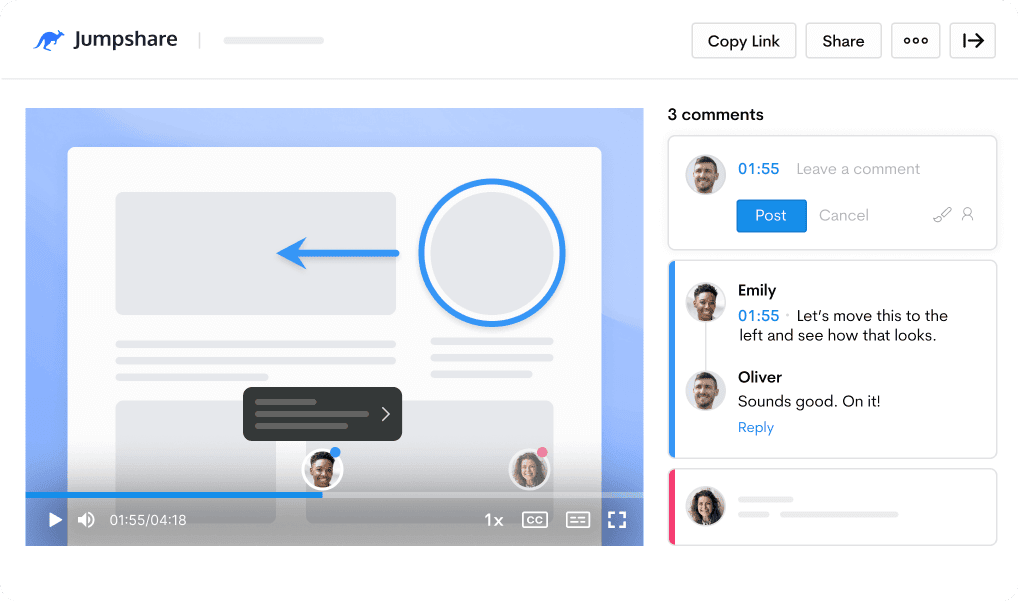
Leave timestamped comments and video markups. Your feedback points at the exact second it refers to, not “around the middle somewhere.”
Assign responsibilities
Tag teammates by name in comments to hand off tasks or bring them up to speed. They get the video and the context together, no forwarding required.

Prepare async updates faster with AI
Jumpshare AI automatically prepares recordings for sharing, keeping post-recording work to a minimum.
Work in any language
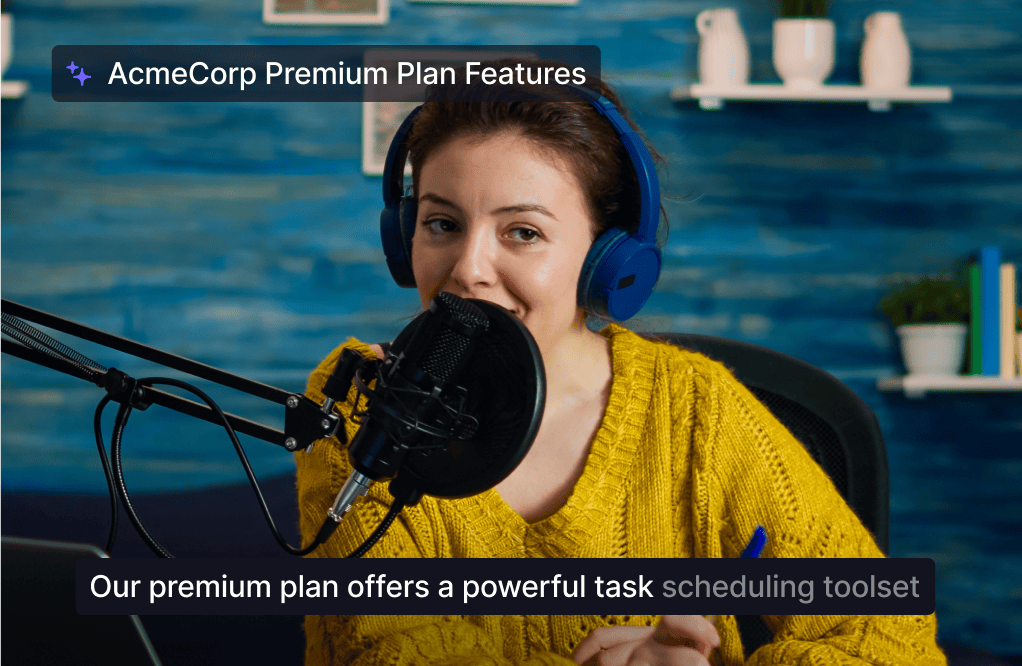
Accurate captions and transcriptions in over 50 languages keep global teammates in the loop, across languages and locations.
Turn recordings into next steps
Every video gets a title, summary, and chapters. AI Actions can turn the recording into documents, follow-up messages, or assignable tasks.
Everything remote teams need for async video
Recording, feedback, and a shared workspace in one place. Jumpshare is the screen recorder for remote teams that keeps work moving between meetings.
Screen Recording
Record your screen and webcam at the same time in up to 4K. Draw over your screen to highlight areas of interest as you record.
Video Markups
Add annotations to any point in a video along with a comment to explain your point with clarity.
Timestamped Comments
Keep feedback tied to the exact moment in a recording, so context never gets lost in long chat threads.
Trusted by thousands of remote teams

4.9/5 based on our user reviews

We switched to Jumpshare from a competing product that wasn't working well for us and we couldn't be happier! It works perfectly and the app is fast and rock solid. Highly recommended!
Max Rice
Partner at Kestrel

Frequently Asked Questions
What is the best screen recorder for remote work? +
The best option depends on how your team works, but remote work puts particular weight on a few things: recording your screen and webcam together, sharing with a link rather than a file, comments so discussion can happen async, and captions for teammates in other languages. Jumpshare brings these together in one workflow, so an update recorded in one time zone is ready to watch in the next.
Why should remote teams use a screen recorder instead of more meetings? +
Recorded updates are easier to share across time zones than live meetings. A recorded update can be watched at 9am in Berlin and 9am in San Francisco without anyone joining a call at midnight. Recordings also leave a trail: the walkthrough, the discussion in the comments, and the decision all stay in one place, making the context easier to revisit later.
How do async video updates work in practice? +
Instead of booking a call, you record a short video of your screen and talk through the update, then share the link in Slack, email, or your project tracker. Teammates watch when their day starts and reply in the comments. Most teams use them for standups, project updates, handoffs, and feedback, anything where the information matters more than everyone being present.
Can my team comment on and discuss recordings? +
Yes, and this is where async video starts replacing meetings rather than just supplementing them. Teammates can leave comments at specific timestamps, so feedback points at the exact second it refers to. You can tag people by name to pull them into a discussion, and the whole thread stays attached to the video.
Does Jumpshare work across languages and time zones? +
That is largely what it is built for. Recordings can be watched at any time, and every video gets captions and a transcript in over 50 languages. Transcripts also make old recordings searchable, which matters once your team has a few hundred of them.
Can we use Jumpshare to onboard new remote employees? +
Yes, and onboarding is often where remote teams feel the difference first. Record a walkthrough of a tool or process once, and every future hire gets the same explanation instead of a different teammate's version of it. New hires can rewatch at their own pace rather than taking notes on a call.
Is a screen recorder for remote teams hard to roll out? +
The change can be gradual. There is no complex workflow to migrate: someone records a video instead of typing a long message, shares the link where the team already talks, and others follow when they see how much back-and-forth it removes. Most teams start with one use, usually bug reports or standups, and expand from there.
Send your next remote update asynchronously
Download Jumpshare and share your first async team update today.
Record async updates