Screen Recording
 Screenshot Capture
 GIF Capture
 File Sharing & Collaboration
 Jumpshare AI
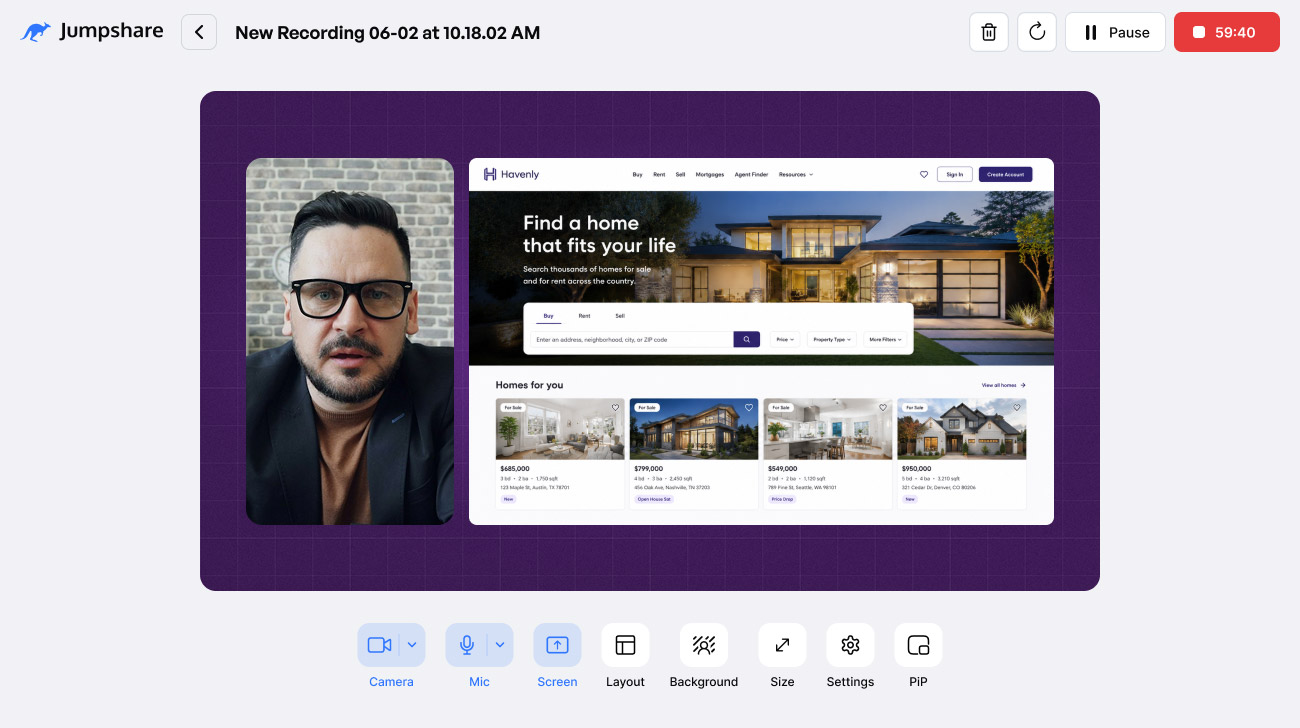
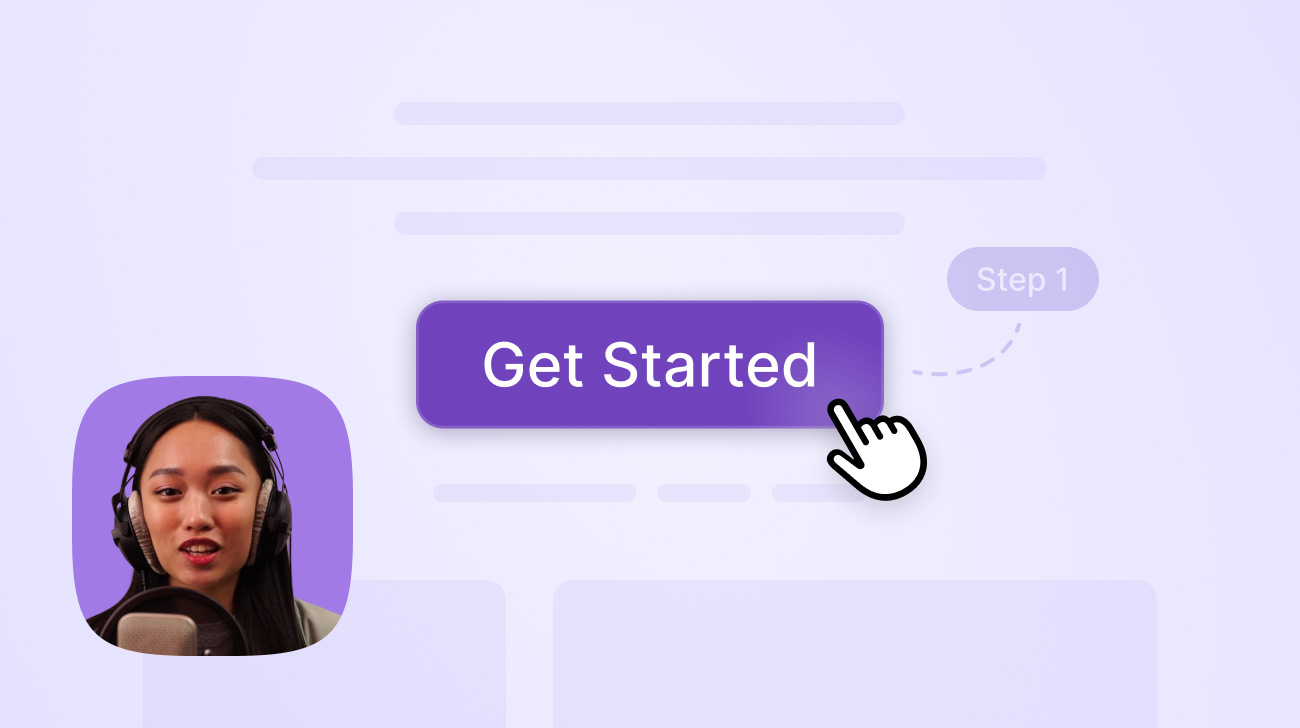
Today, we’re excited to unveil the Jumpshare Online Screen Recorder – a fully featured web-based recording studio that works entirely in your browser. No desktop installations, no complex setups. Let’s dive into what makes this a game-changer for your daily workflow.
Built for Speed and Ease of Use
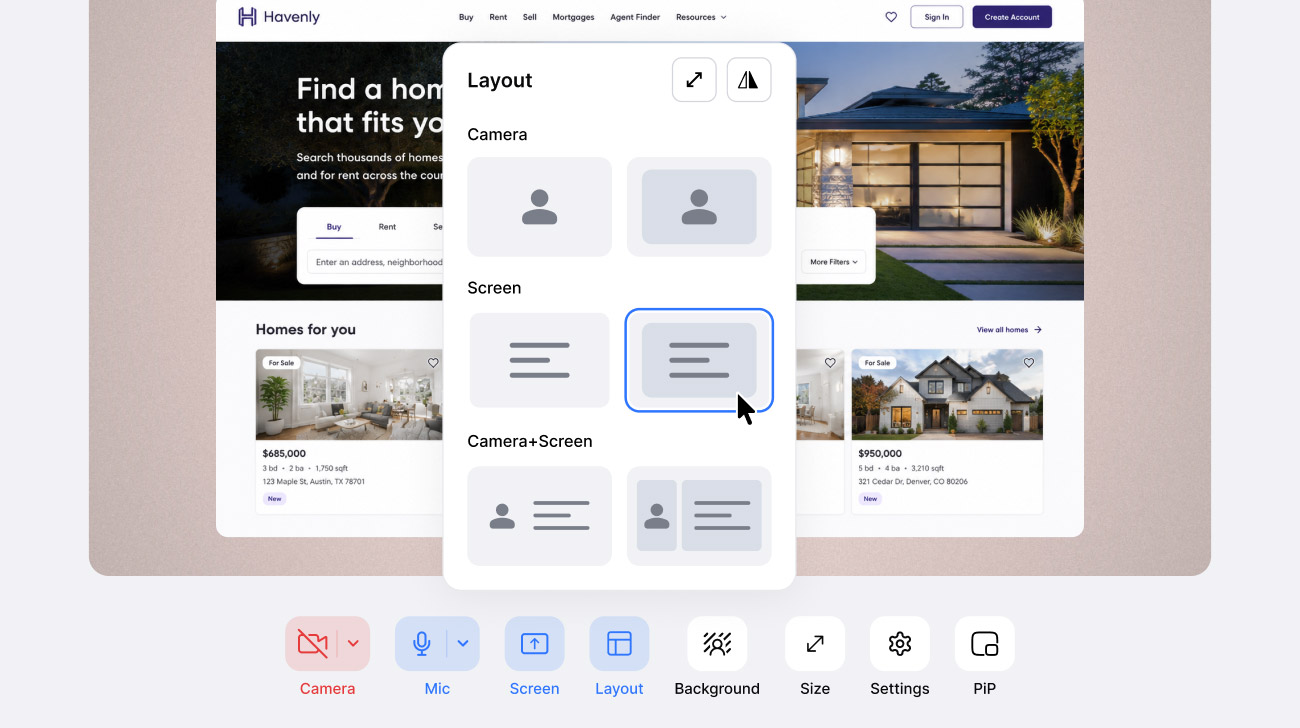
Start each recording in seconds by selecting one of our pre-made layouts. Switch between these presets as you record – start with a full-screen camera for your intro, then switch to a clean, side-by-side presentation style with a single click.
Got more time? Freely move and resize the screen and camera to create your very own layout. Use the snapping guides to perfectly align the two elements with each other and the canvas. Crop the screen or camera so the canvas shows only what’s needed.
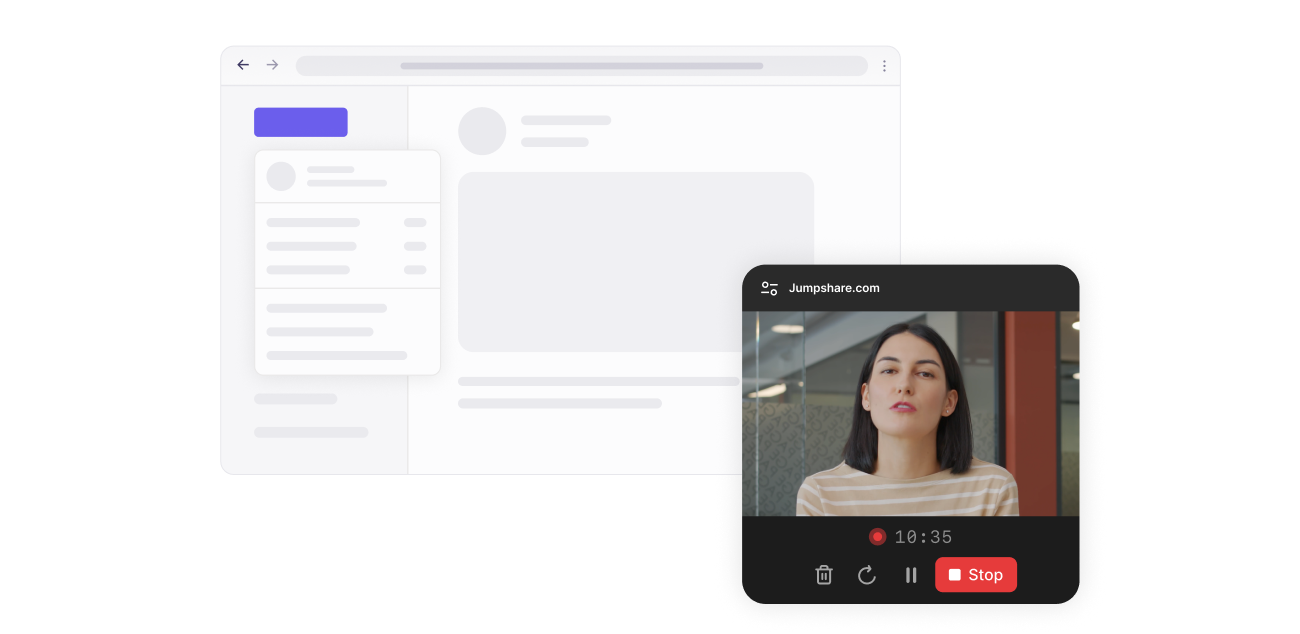
Stay in full control as you present. A floating PiP (picture-in-picture) window ensures your recording preview and controls always stay in view as you switch between tabs and windows.
Results You’d Be Proud to Share

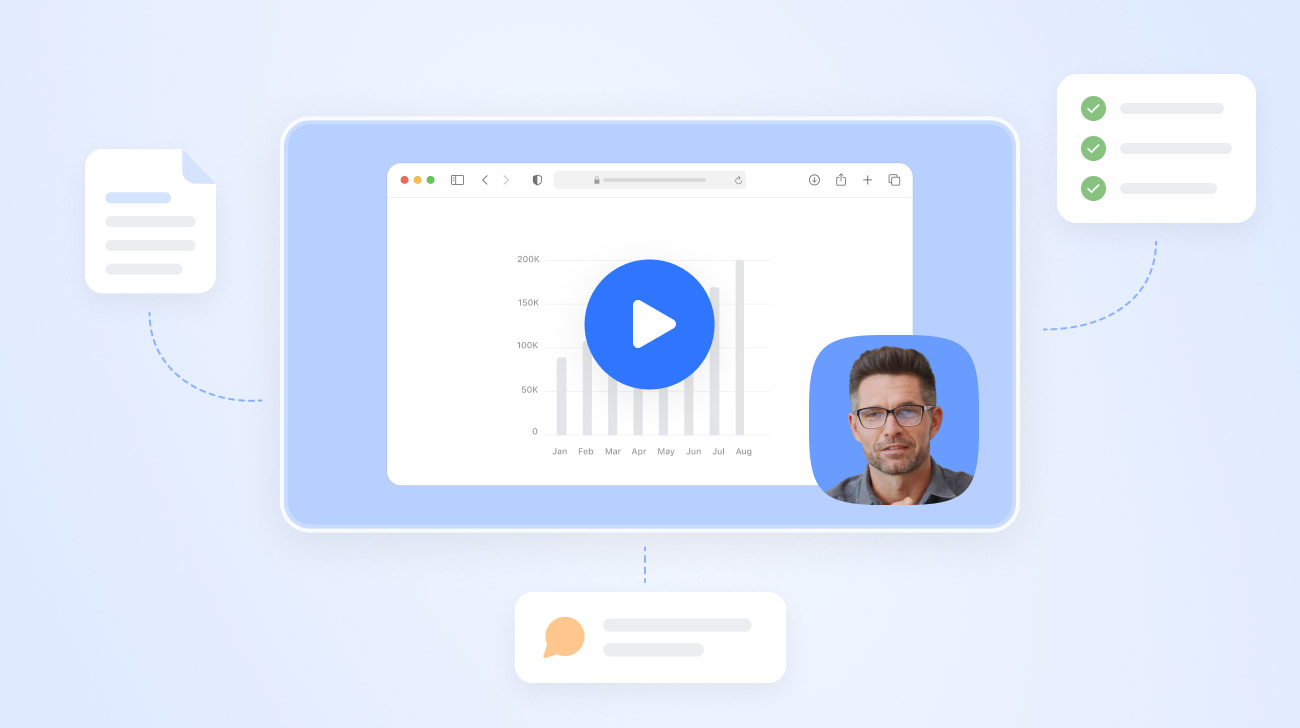
Effortlessly create polished videos that wow clients, colleagues, and customers. Say goodbye to messy desktop backgrounds. Choose from our curated gallery of gorgeous images, vibrant gradients, and solid colors to instantly elevate a standard screen recording to a studio-quality video presentation. Pick a camera shape (circle, square, landscape, or portrait) that suits the size or layout of your recording.
Ready to Send the Moment You Hit Stop
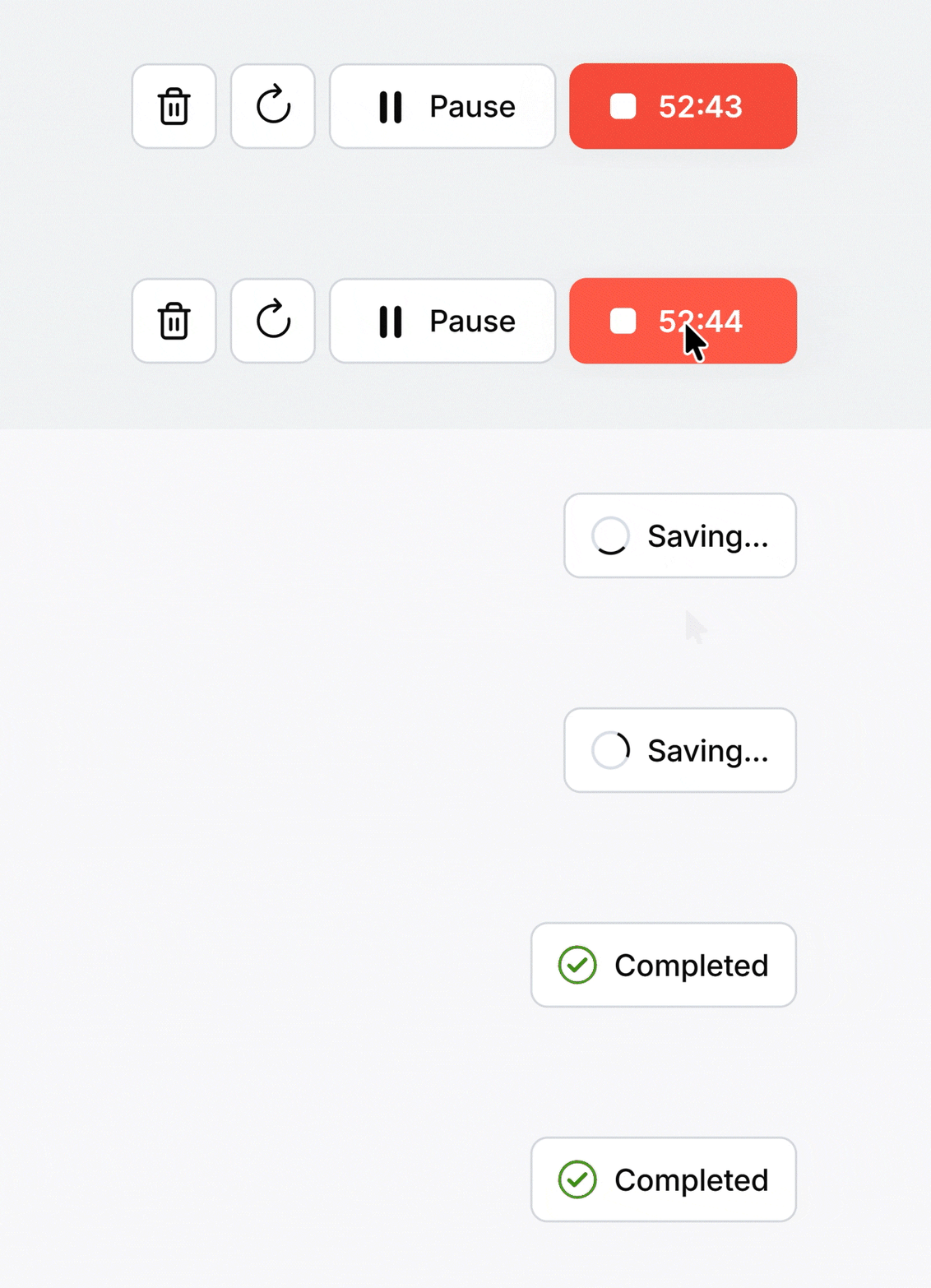
Transition seamlessly from recording to sharing with nearly zero wait time. Because your videos are uploaded in chunks as you record, they are fully processed and ready to go within seconds of you hitting stop.
Any recordings made with the online screen recorder also have access to the entire suite of Jumpshare AI tools, which automatically generate transcriptions, captions, titles, summaries, chapters, and more for each recording, saving you boatloads of time. All that is left for you to do is copy the link and share it anywhere on the web, send it via email, or embed it on your website.
A Powerful Web-Based Recording Studio
Tweak every aspect of your recording experience using a robust set of customization features and recording controls.
- 🖥 Record your entire screen, a browser tab, or a window
- 👤 Record just your webcam, your screen, or both at the same time
- 🎙 Record your microphone
- ↕ Choose from four different recording sizes (16:9, 9:16, 1:1, 4:5)
- 🖼 Choose from a variety of gorgeous recording backgrounds
- 🧩 Switch between pre-made recording layouts with a click
- ✂️ Resize, crop, and freely reposition the screen and camera
- 🎥 Change the shape of the camera overlay
- 📐 Use snapping and Flip to customize layouts with ease
- 🔳 Keep everything in view with a floating picture-in-picture preview
- ⬆ No waiting around – upload as you record with streaming uploads
How to Get Started
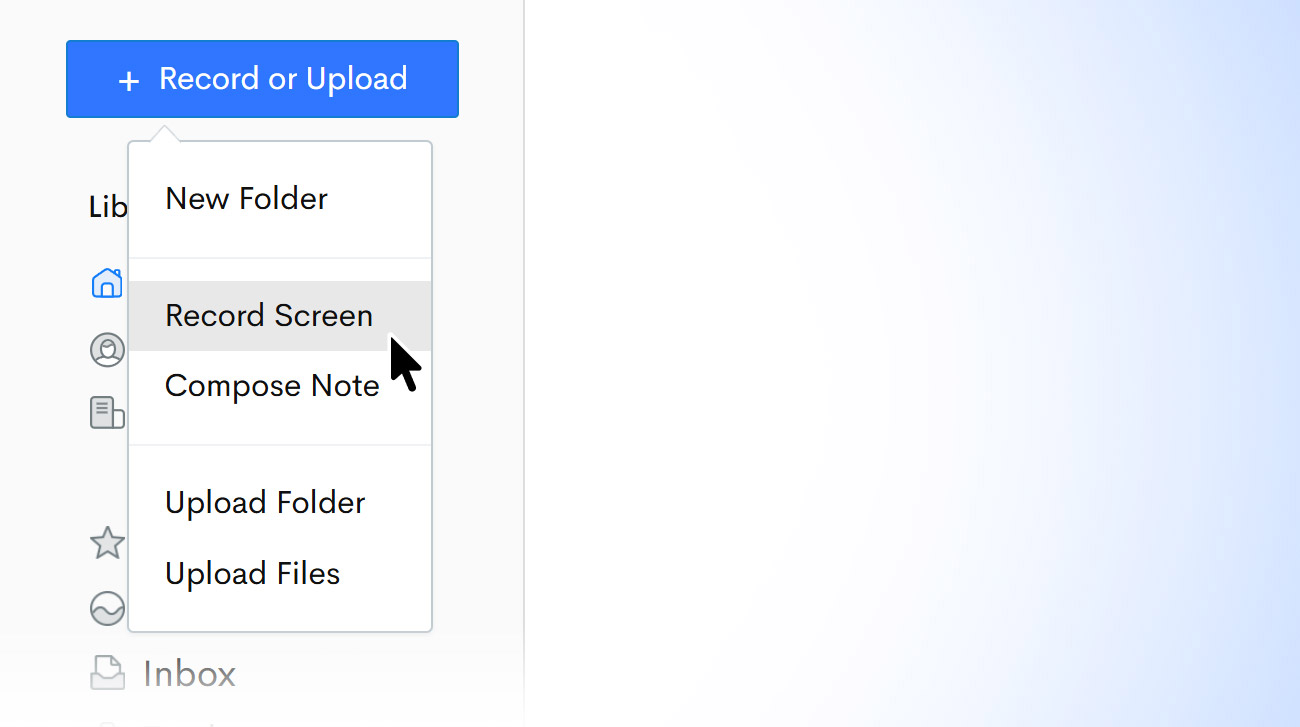
It takes less than five seconds to start your first recording:
- Open the jumpshare.com web dashboard.
- Click the Record or Upload button in the left sidebar and select Record Screen.
- Allow access to your camera and/or microphone.
- Pick a layout and click the Record button to start recording.
Or you can also take the recorder for a spin by clicking the link below. The app is currently supported on Google Chrome, Microsoft Edge, and other Chromium-based browsers.