Screen Recording
 Screenshot Capture
 GIF Capture
 File Sharing & Collaboration
 Jumpshare AI
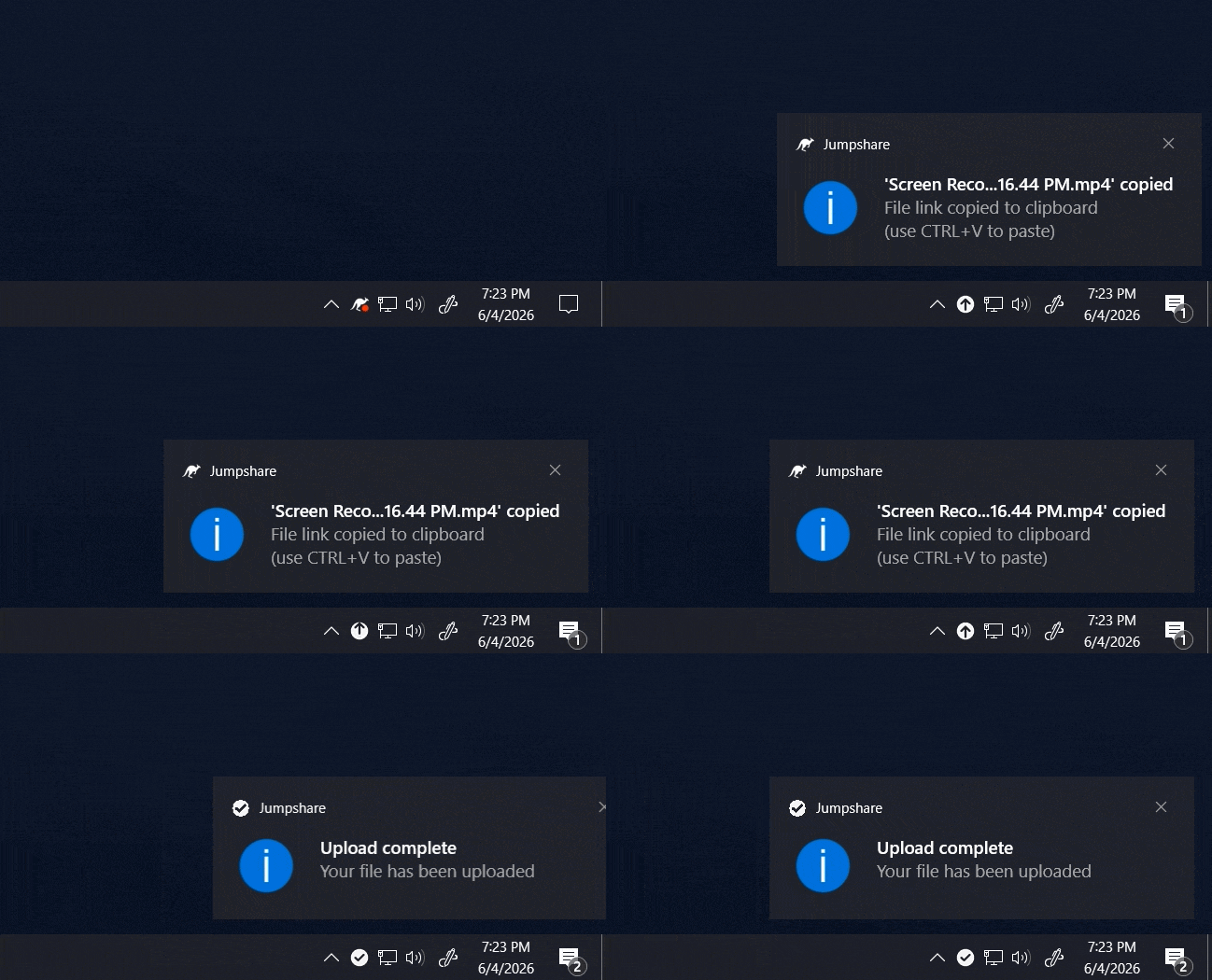
Record faster, brand smarter, and look your absolute best on camera. Our Mac and Windows apps now support streaming uploads for screen recordings, a powerful new watermarking tool for screenshots, and redesigned webcam shapes.
Skip the Wait with Streaming Uploads
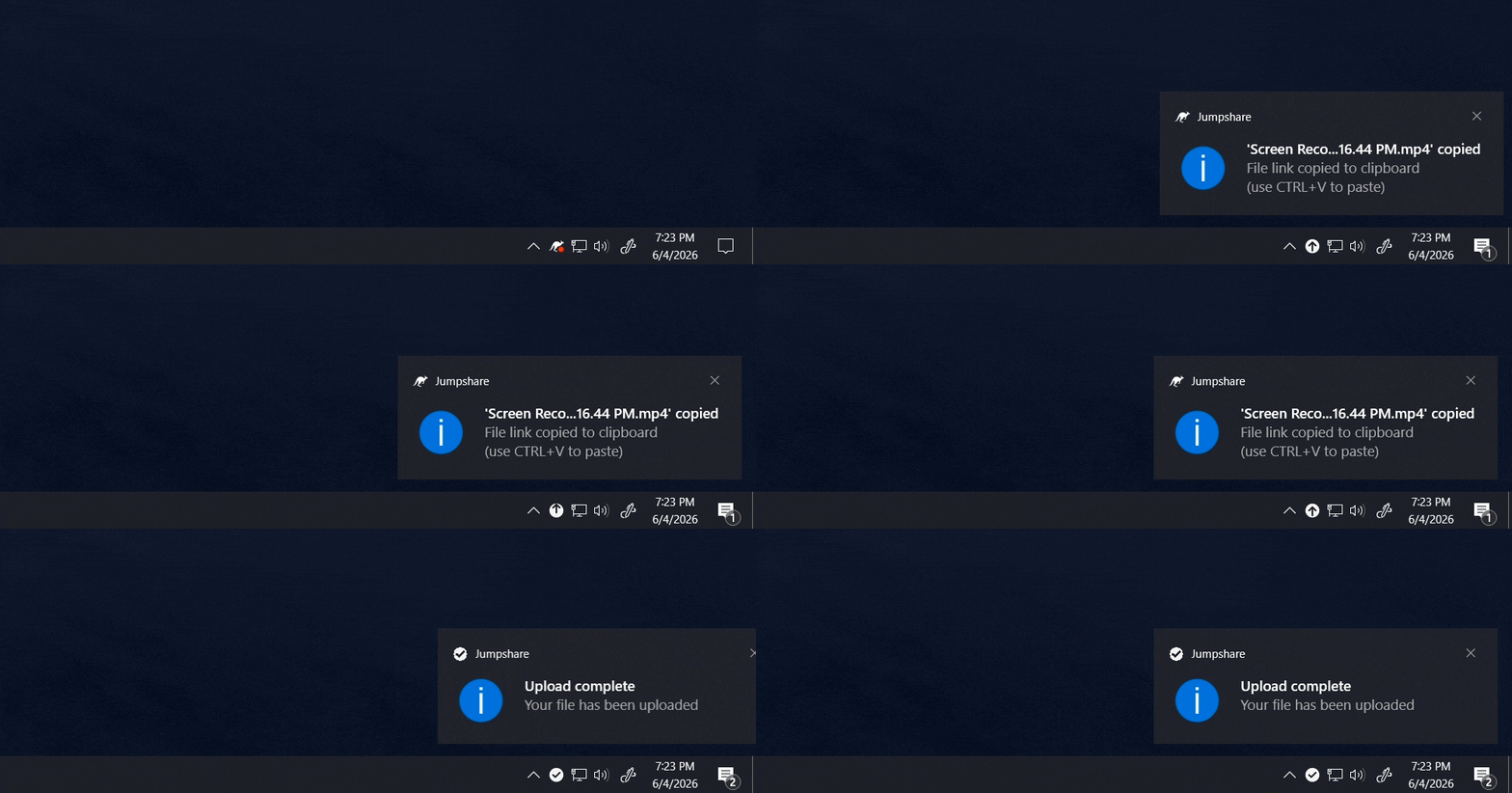
Jumpshare’s desktop screen recorder is now faster than ever. With Streaming Uploads, your video is uploaded in chunks as you record. This means that your recording is fully processed and ready to go within seconds of you clicking stop – especially handy for longer videos.
Streaming Uploads is currently in beta and disabled by default. You can enable it from Preferences > General > Streaming Uploads.
Add Custom Branding with Screenshot Watermarks
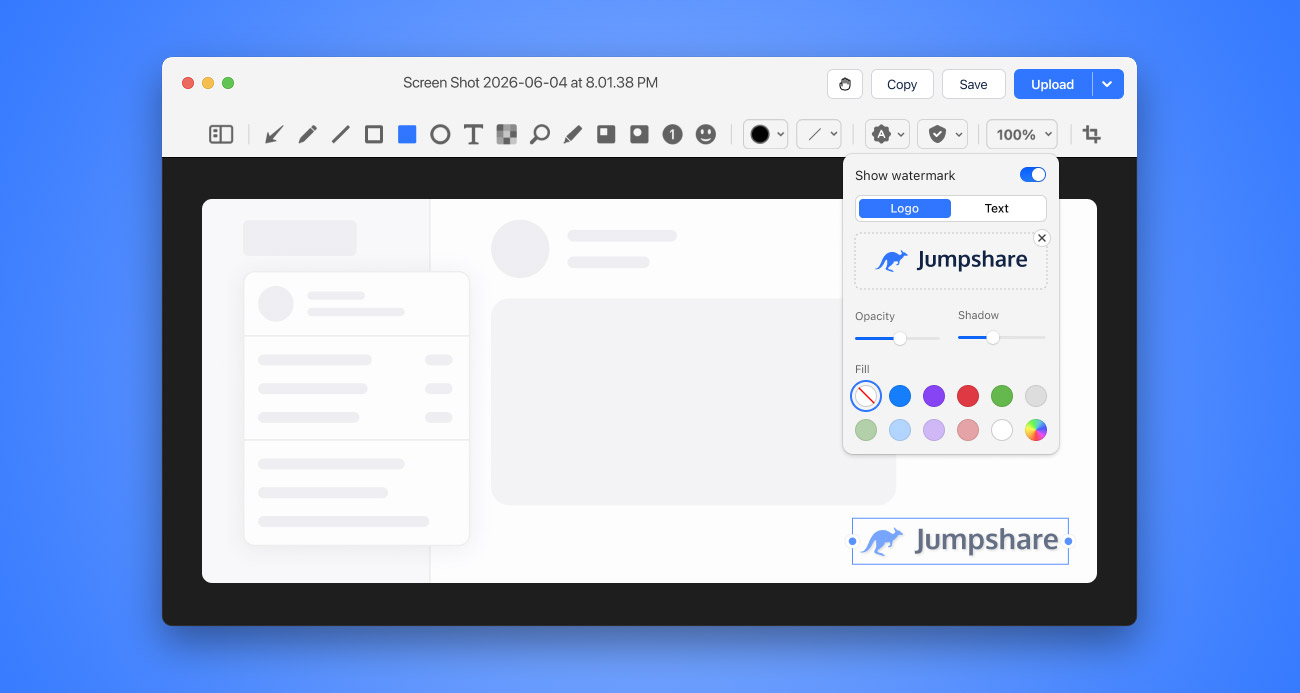
Make your screenshots truly yours with the new Watermark tool. Apply a custom logo or text-based watermark in seconds. Customize your watermark’s appearance, making it prominent for branding or more subtle to protect your work without drawing attention away from the screenshot itself.
Resize it, move it freely over your screenshot, set its opacity, adjust the intensity of its shadow, and choose a background color.
Put Your Best Face Forward with Updated Webcam Shapes
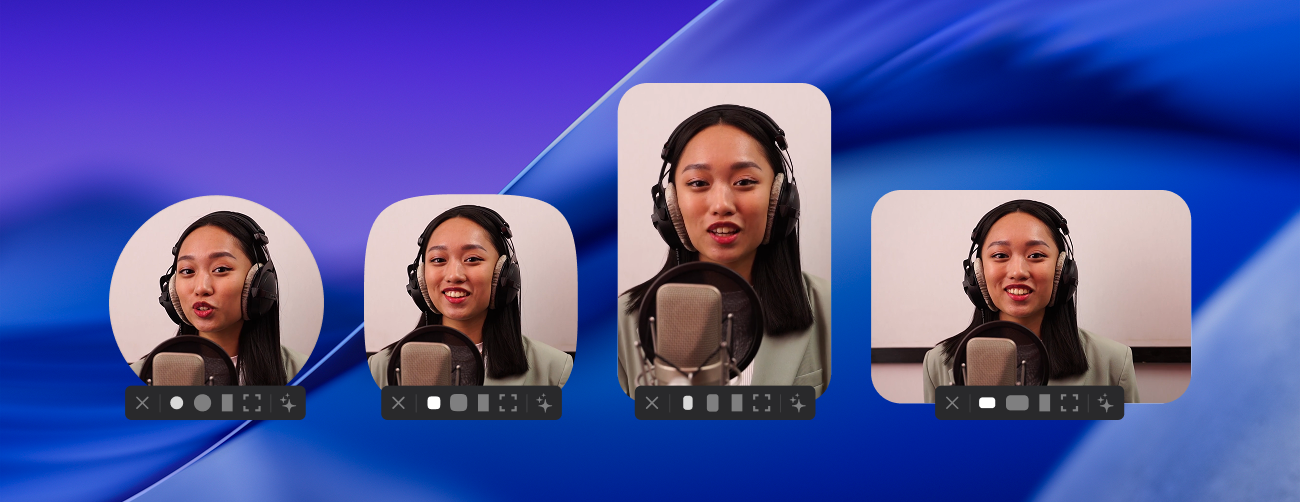
Your camera overlay should look as polished as the content you’re creating. That’s why we’ve added the Squircle and redesigned both Landscape and Portrait webcam styles with a cleaner, more modern aesthetic.
All three features are available today with the latest version of our Mac and Windows apps.