 Screen Recording
 Screenshot Capture
 GIF Capture
 File Sharing & Collaboration
 Jumpshare AI
-
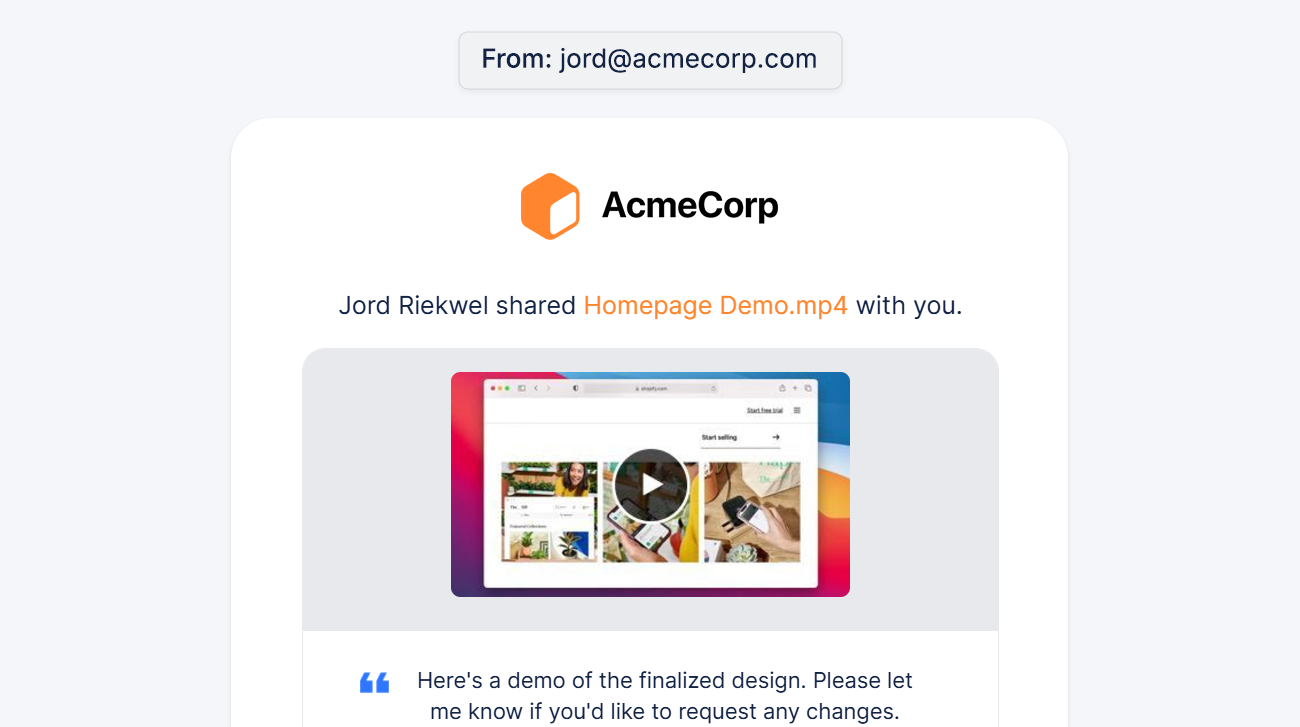
Stand Out in Every Inbox With Custom Email Branding
-
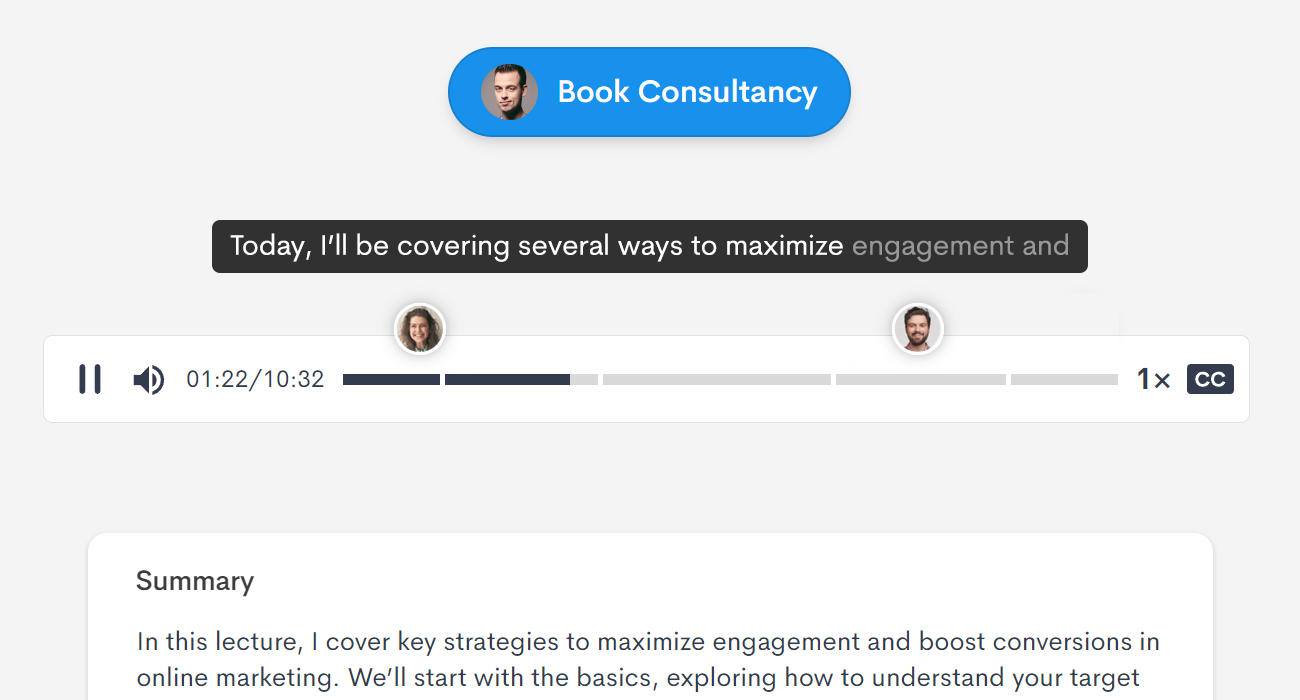
Introducing Jumpshare AI & Call-To-Action (CTA) Button for Voice Notes
-
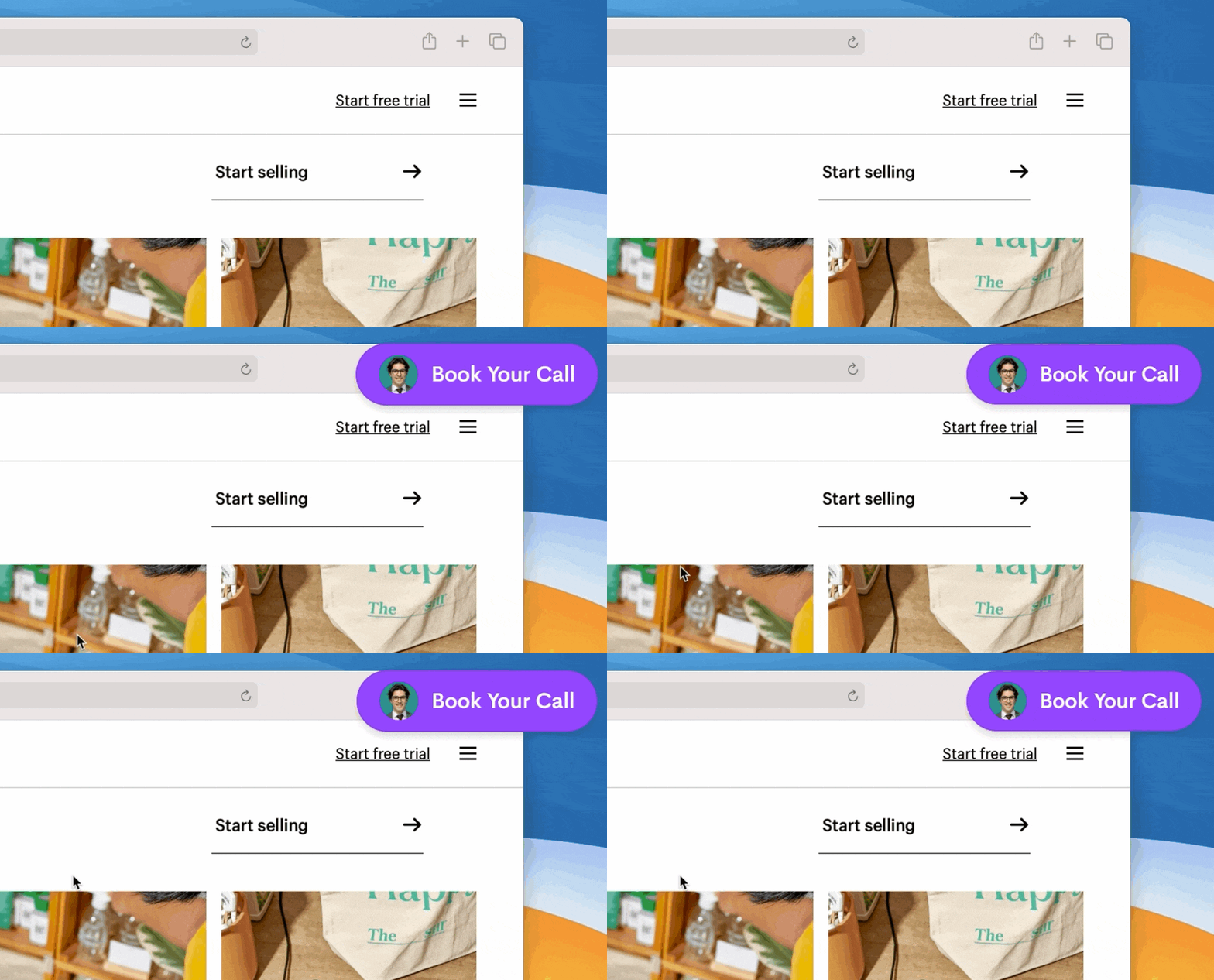
New Video CTA Options and Cal.com, Google Calendar Appointment Schedule Integration
-
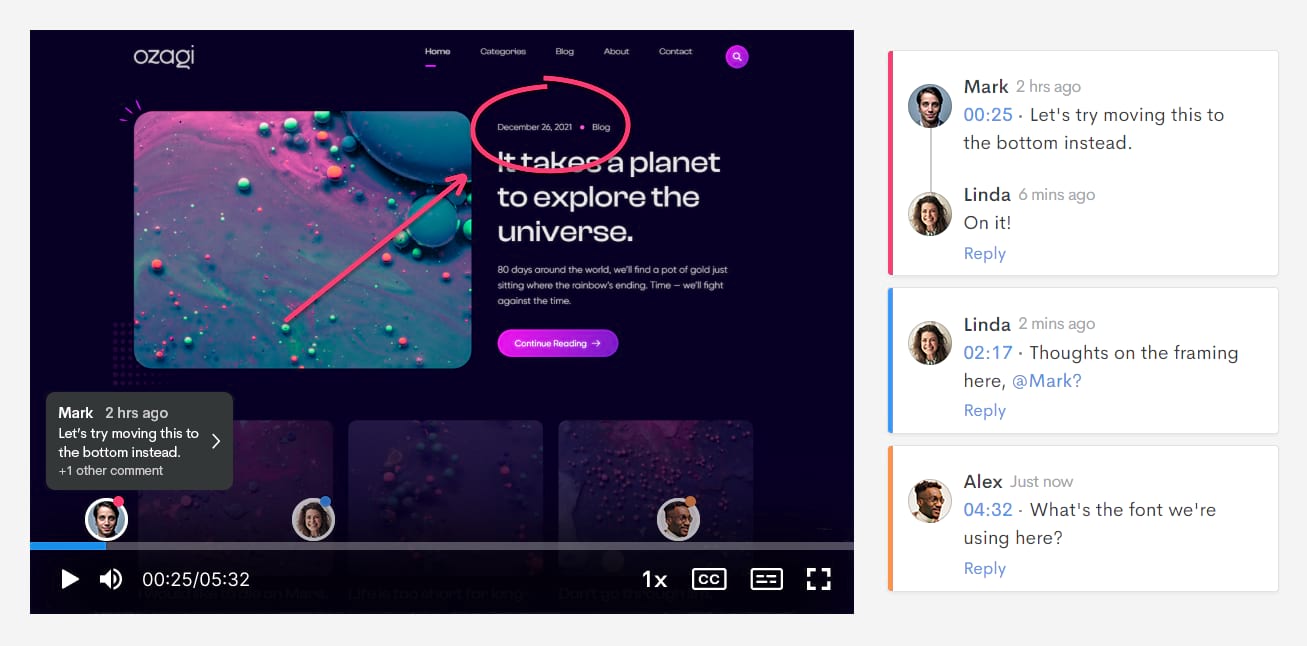
Introducing Video Annotations for Creative Collaboration
-
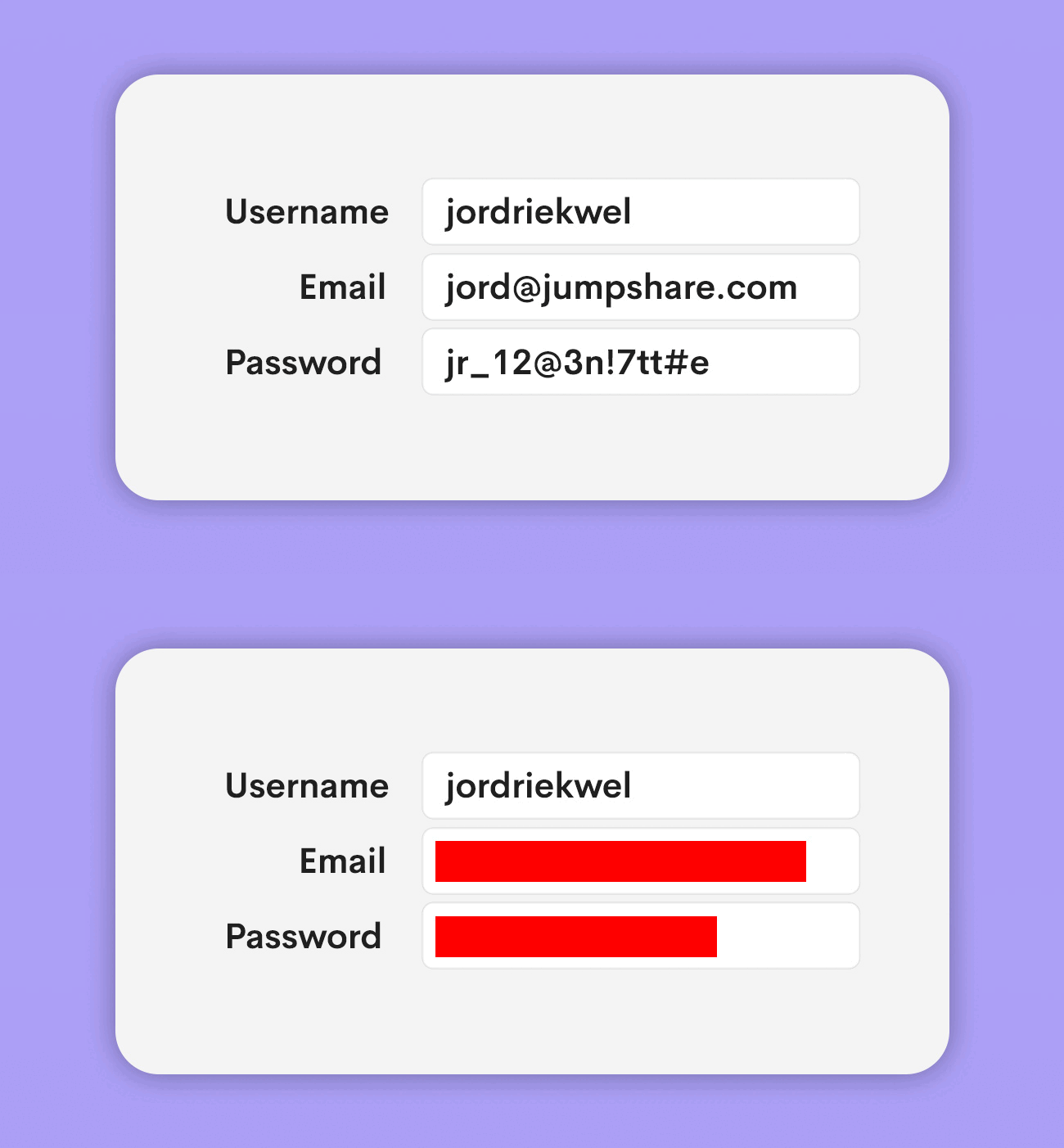
How to Automatically Hide Sensitive Info From Screenshots & Images
-
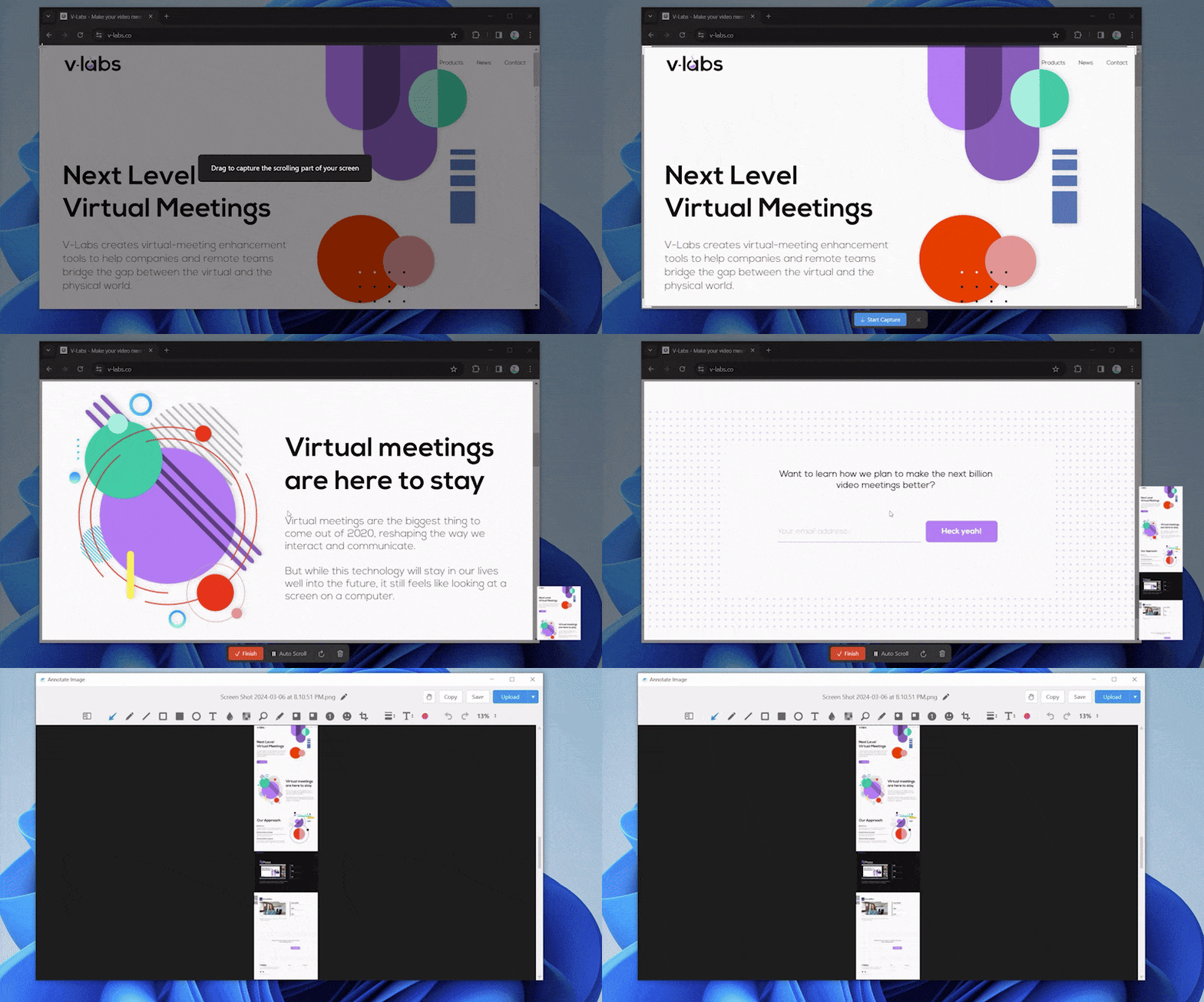
How to Take a Scrolling Screenshot
-
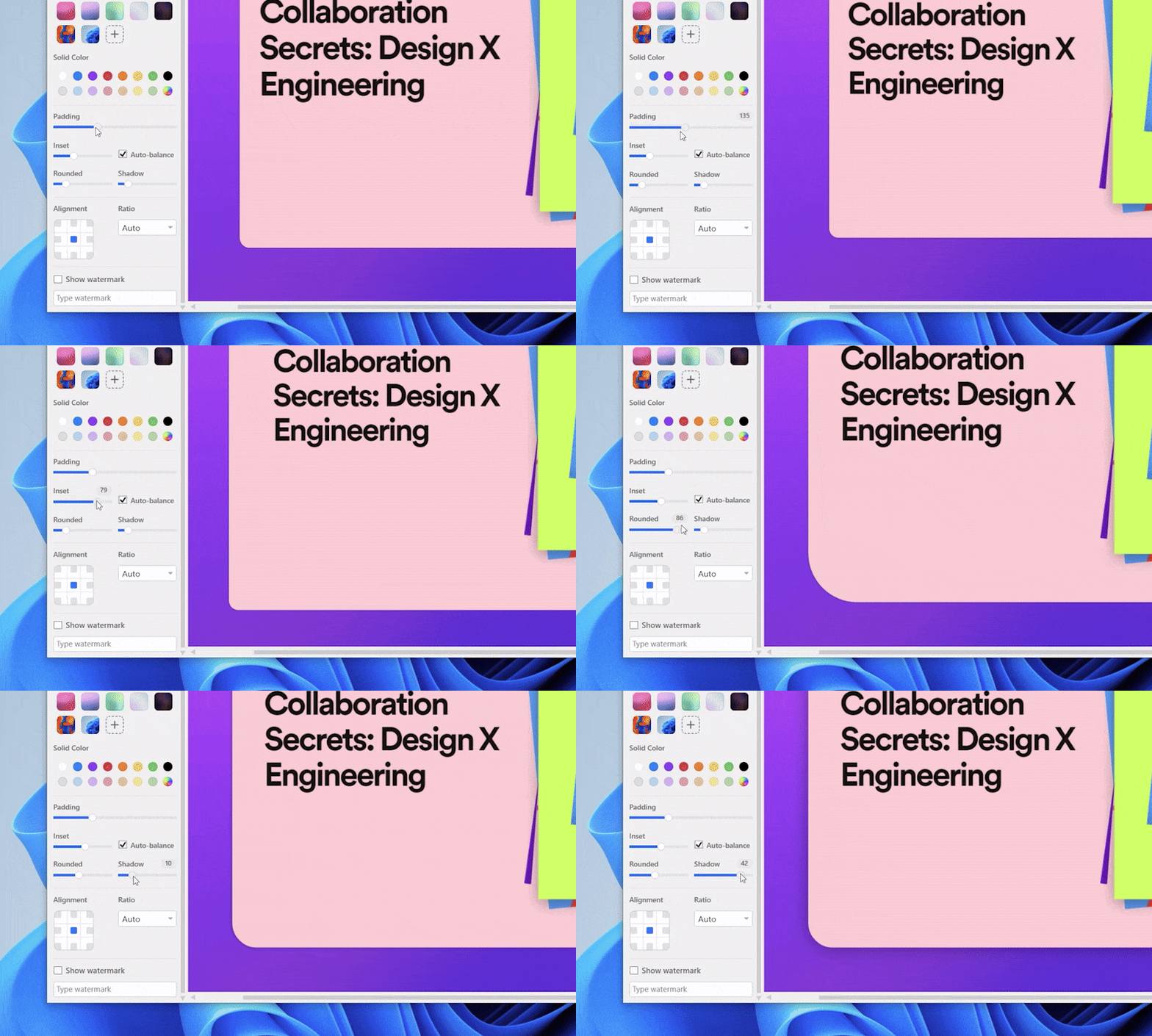
How to Add a Background to Your Screenshots
-
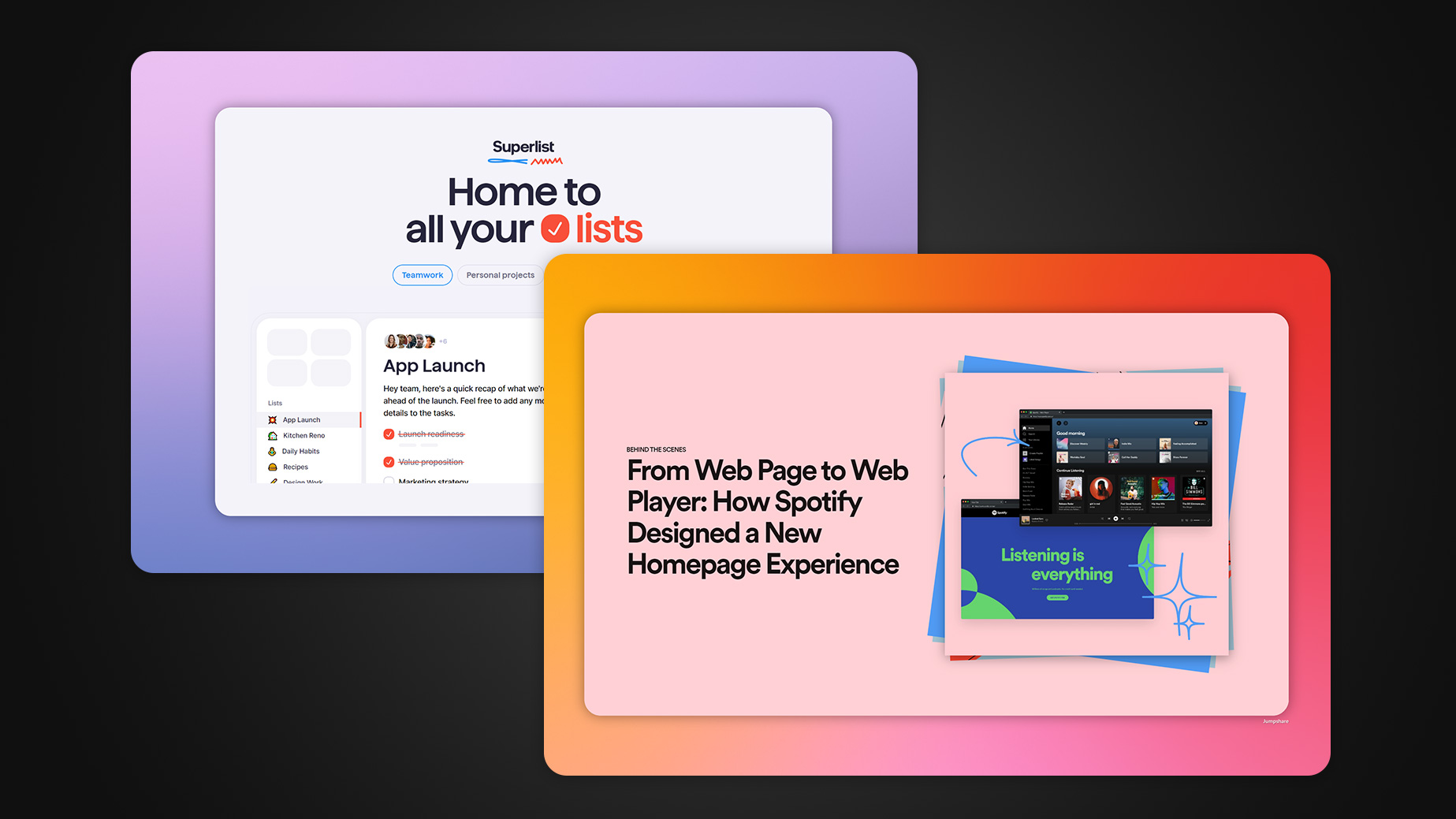
Add Gorgeous Backgrounds to Your Screenshots, Take Scrolling Shots, and Auto-Hide Sensitive Info
-

Introducing Jumpshare AI: Boost Video Engagement With Automatic Title, Summary, and Chapters
