
File Sharing and Collaboration App
Quickly share videos, audio, images, and other files while collaborating with your team and clients using markups and time-stamped comments.







4.9/5 based on reviews
“Jumpshare is a game-changer! It's so much easier to share files with clients and get feedback.”

Johnie Tidwell
Creative Producer at JTepic
More than 1 million people use Jumpshare to share and collaborate faster










Teamwork makes the dream work
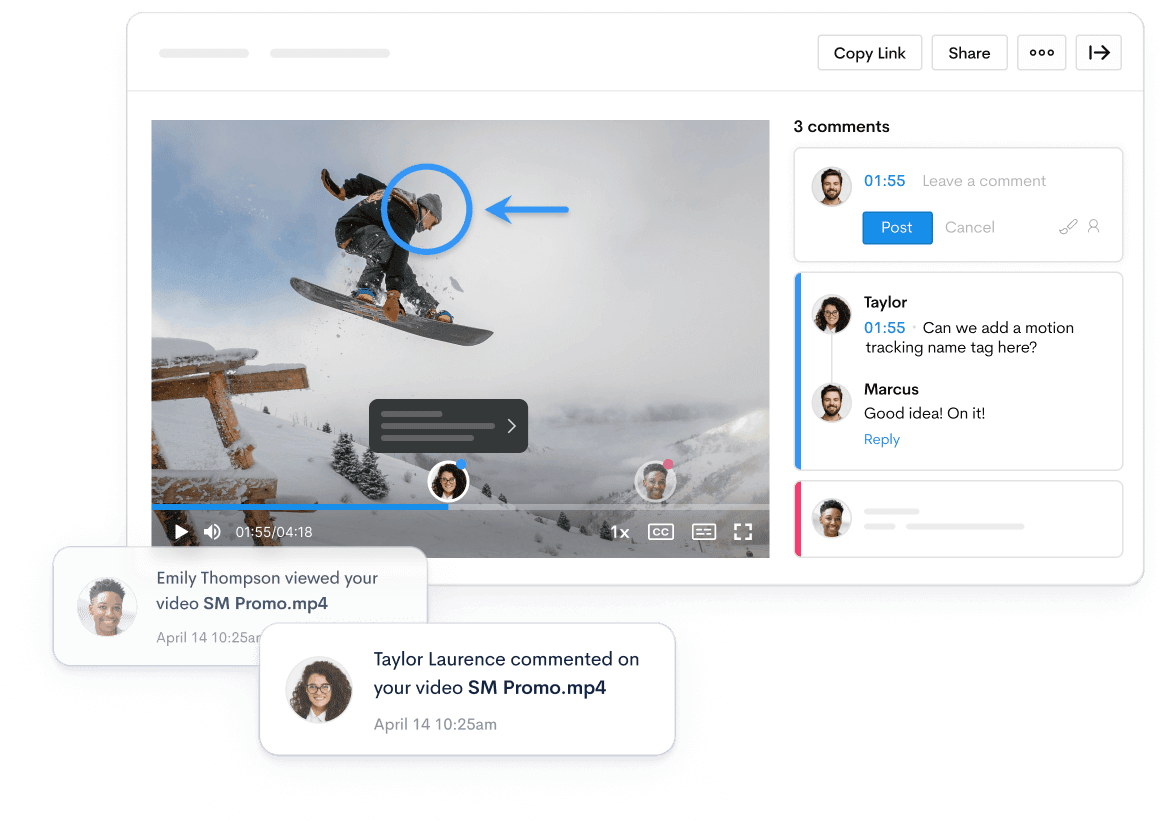
Work better together. Exchange feedback and find solutions faster with colleagues and clients in a shared workspace.
Offer feedback and exchange ideas visually
Brainstorm ideas and solutions in a shared workspace. Add comments to shared video files and start threaded conversations by replying to comments by others.
“Jumpshare has really revolutionized how I share files and obtain feedback from clients. It’s perfect for proofing and reviewing purposes.”

Colin Boyter
Founder at Colin Boyter Design
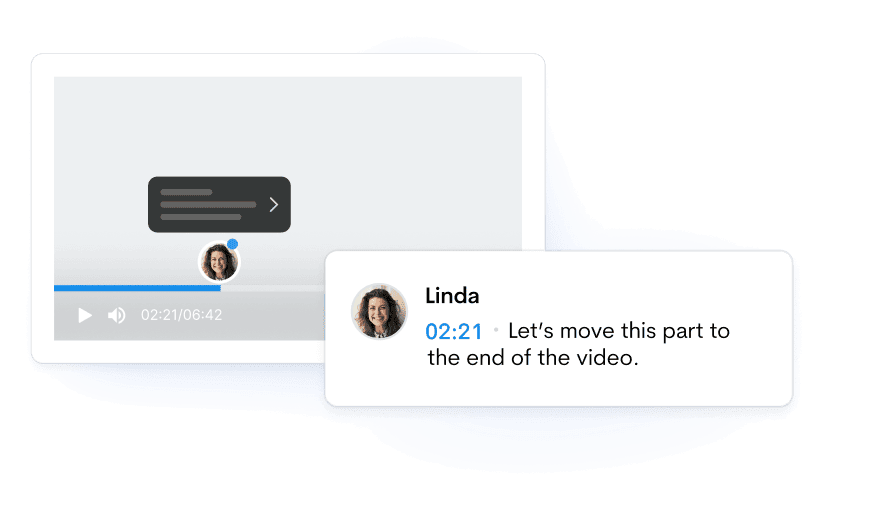
Pinpoint moments with timed comments
Provide precise feedback by referencing specific moments in a video using timestamped comments.
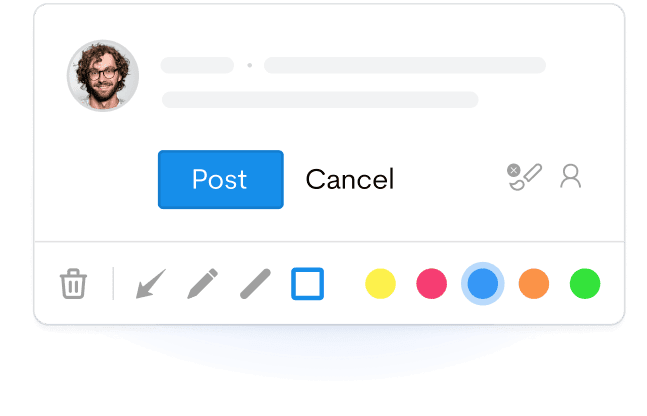
Add visual context with video markups
Leave no room for doubt. Point directly to an area or element in a video with annotated comments.
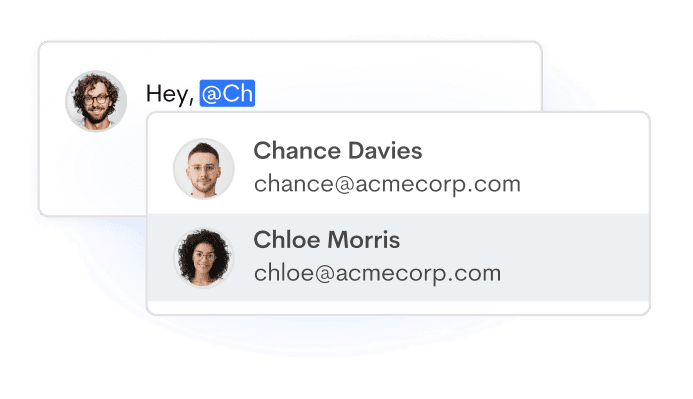
Tag colleagues and clients by name
Invite other users in your workspace to any discussion by tagging them in a comment.
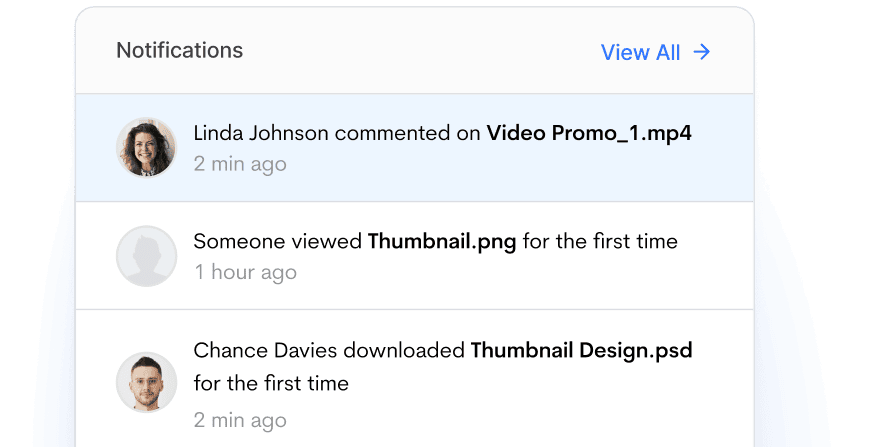
Get notified of activity on your files
Receive notifications for first-time views and downloads, comments, replies, and other important interactions.
Manage. Customize. Secure.
Take full control of your file sharing workflow with a comprehensive suite of file management, customization, privacy, and security features.
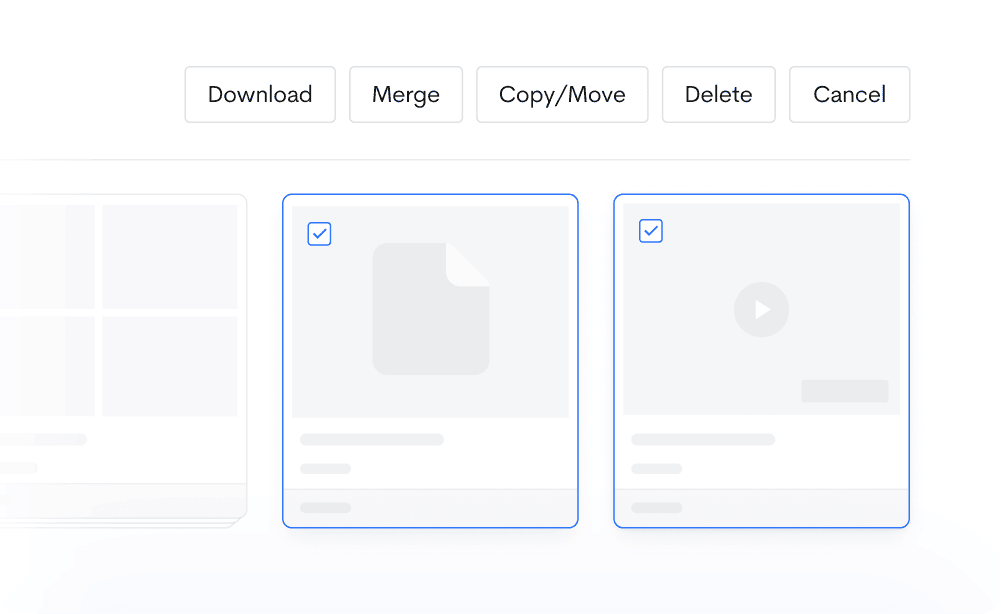
Organize and manage your uploads
Make it easier to browse through your library. Group your files into folders, create copies, sort, rearrange, and more using a mix of powerful file management features.
“We use Jumpshare to share files with our clients - either during development or for the final delivery. It perfectly balances usability, speed, and price.”

Bruce Bigelow
Creative Director at Electric Art
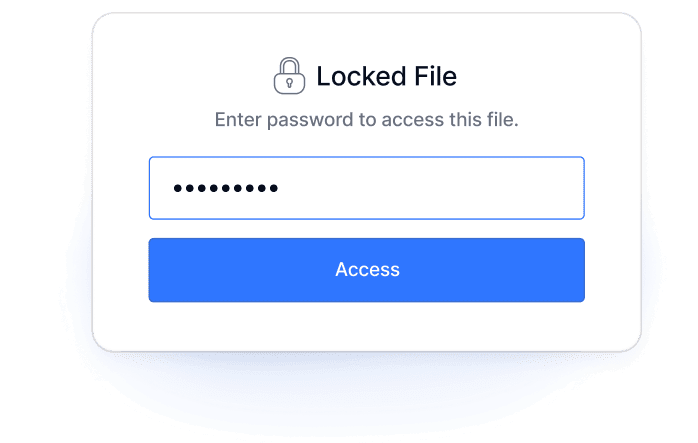
Password-protect files
Prevent unauthorized access to confidential files by locking them with a password .
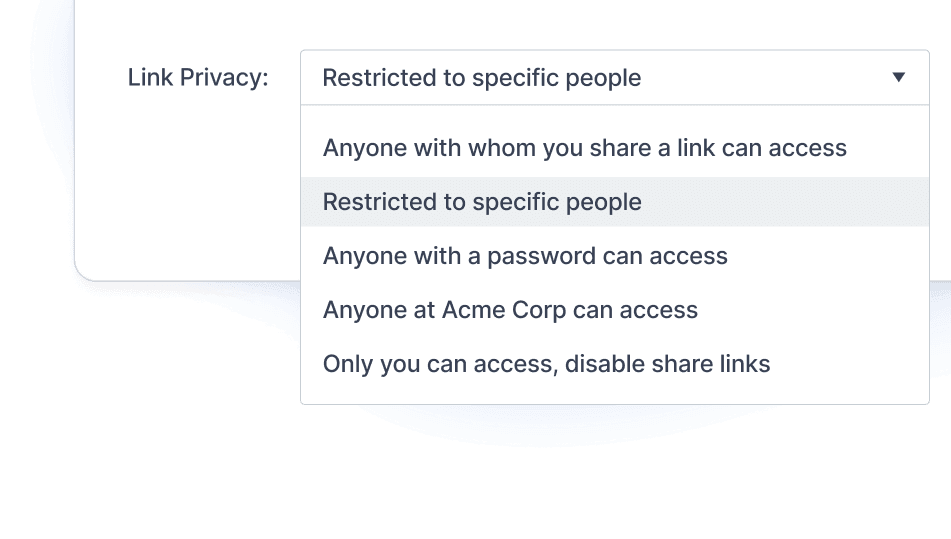
Control link privacy
Manage access to each link you share or disable shareable links for a file.
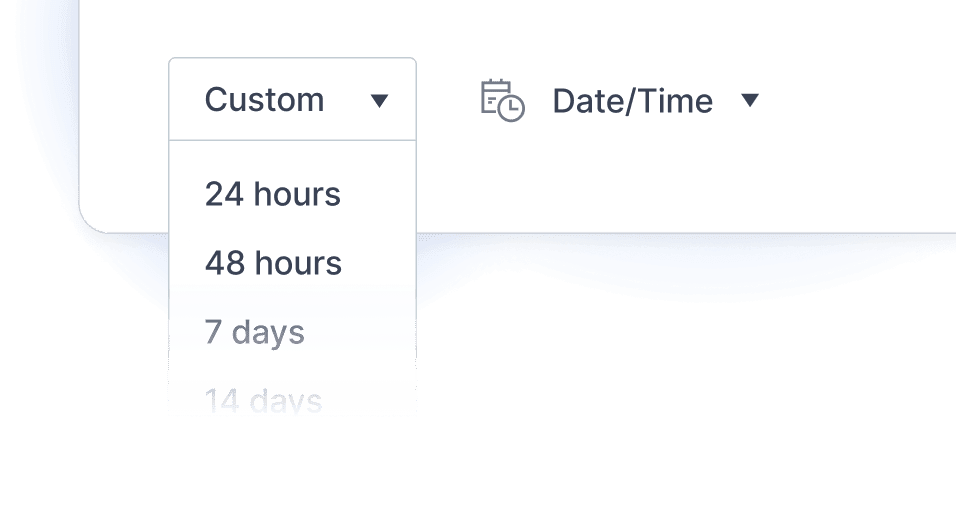
Set files to self-destruct
Automatically delete confidential or private files at a specified time or after a set period.
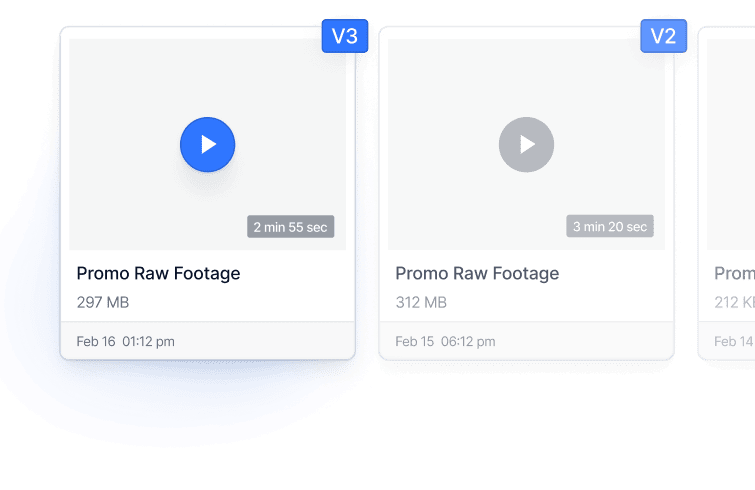
Track changes with version history
View older versions of each file, complete with all edits, comments, and markups.
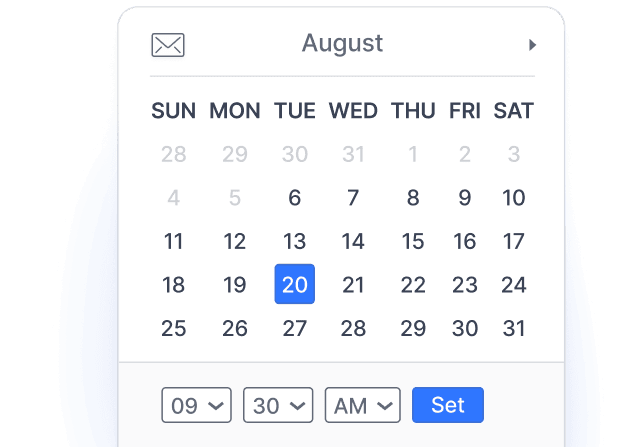
Scheduled sharing
Schedule your files to be shared via email on a date and time of your choosing.
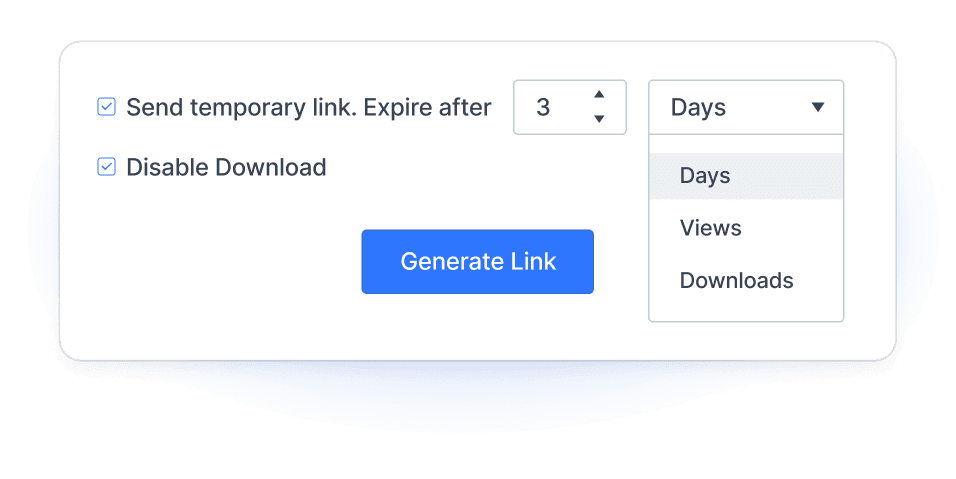
Set link expiry
Configure shareable links to expire after a certain number of days, views, or downloads.

Custom branding
Showcase your brand by adding your logo, picking a light or dark theme, and guiding visitors where you want them to go. Make the file viewer truly yours.
Deliver your work at the speed of light
Don’t let logistics slow you down. Get your work from your system to a colleague or client in a couple of clicks, no matter what platform they’re using.
Share your work and ideas seamlessly, in seconds
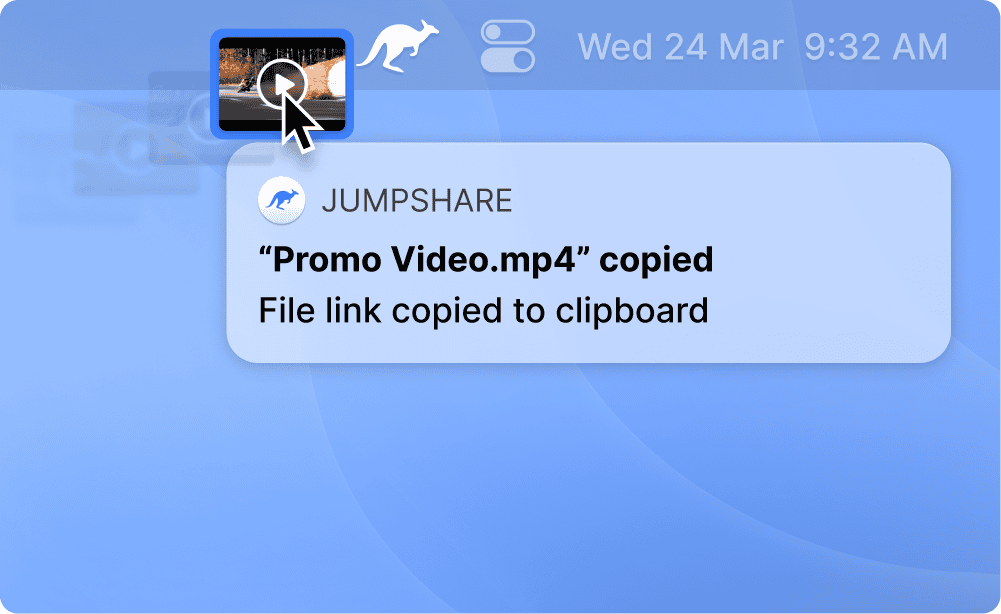
Drag and drop any file onto the Jumpshare icon in the menu bar or system tray and get a shareable link to it in an instant. It’s that easy!
“Jumpshare is like a file sharing app on steroids. The notifications when someone views or downloads my files are brilliant.”

Tony Roslund
Architectural Photographer
A complete list of file formats that you can share with Jumpshare.
Video
Share Video-
MP4
-
Apple QuickTime Movie
-
iTunes Video File
-
MPEG-2 Video
-
Audio Video Interleave File
-
Windows Media Video File
-
Real Media File
-
MPEG Movie
-
WebM Video
-
OGG Video
-
3GPP Multimedia File
-
Matroska Video File
-
Flash Video
-
Windows Media Video HD File
Audio
Share Audio-
MP3
-
WAV
-
M4A
-
MPEG Layer II Compressed
-
Windows Media Audio
-
Waveform Audio
-
Ogg Vorbis
-
Advanced Audio Coding
-
Free Lossless Audio Codec
-
Sun Microsystems Audio
-
Audio Interchange Format
-
Global System for Mobile Audio
-
Real Audio File
-
MIDI File
-
Adaptive Multi-Rate Codec File
-
MPEG-4 Audio Layer
Images
Share Image-
JPEG (Joint Photographic Experts Group)
-
JPEG 2000 Core Image File
-
Bitmap Image
-
GIF (Graphics Interchange Format)
-
PNG (Portable Network Graphics)
-
Web Picture Format
-
TIFF (Tagged Image File Format)
-
Pyramid encoded TIFF
-
Photoshop Data File
-
GIMP (eXperimental Computing Facility)
-
Icon
-
Scalable Vector Graphics
-
Encapsulated PostScript
-
Adobe Illustrator Artwork
-
Nikon Raw Image Format
-
Raw Image Format
-
Canon Raw Image format
-
Kodak Raw Image format
-
Sigma Camera Raw Image format
-
Sony Raw Image format
-
Konica-Minolta Raw Image format
-
Epson Raw Image format
-
Fuji Raw Image format
-
PCT
-
PICT
-
DirectDraw Surface
-
Digital Negative
-
Ikon PodFlow
-
Hasselblad Digital Camera Raw Image Format
-
Portable Pixmap Format
-
Olympus Raw File Format
-
Pentax Digital Camera Raw Image Format
-
Dune Device Image Format
-
openEXR Image
-
High Dynamic Range
-
DICOM Image (Digital Imaging and Communications in Medicine)
-
DICOM (Digital Imaging and Communications in Medicine)
-
Photoshop Large Document Format
-
Portable Bitmap Format
-
JPEG 2000 Image
-
Interchange File Format
-
Scitex Continuous Tone File format
-
Truevision TGA Raster graphics File
-
Flexible Image Transport System
-
Multiple-image Network Graphics
-
Portable Graymap Format
-
Portable Anymap Format
-
Portable Arbitrary Map
-
PostScript File
-
Silicon Graphics Image
-
X Pixmap
-
X BitMap
-
Bitmap Image
-
X Windows Dump Image
-
Personal Computer Exchange
-
PC Paintbrush File Format
-
CUR
Share anywhere with a link
Jumpshare’s shareable links are magical! They work everywhere you do.
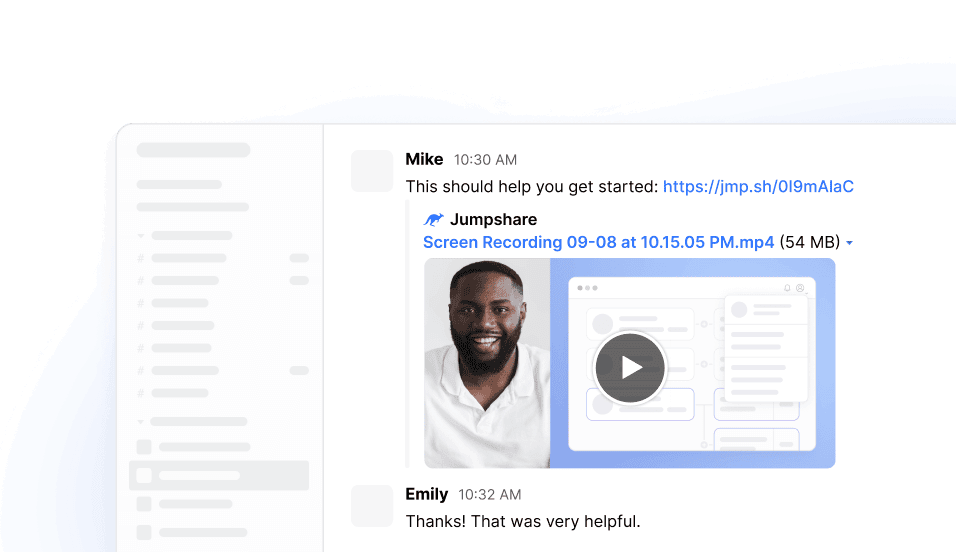

Send via email
Embed videos into your sales and marketing outreach emails to boost response rate.

Embed media across the web
Display your videos and images on your website with our media embedding feature.

View 200+ file formats online
Our online file viewer's broad format support guarantees easier access to your work.
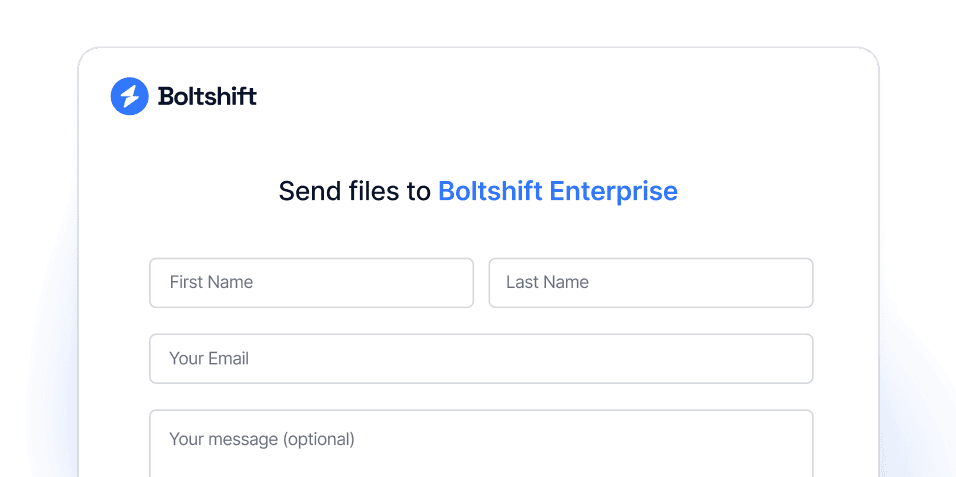
Receive files with ease
Collect files from those outside of your team workspace with Inbox.
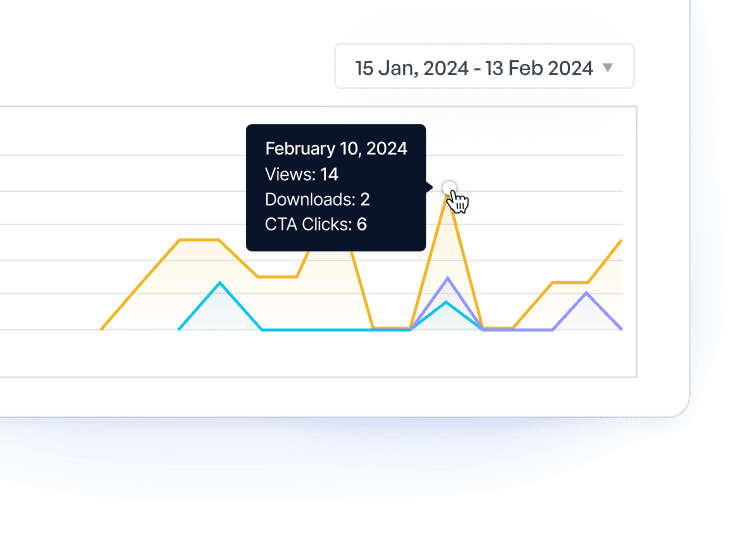
Track activity on your files
Know your audience by keeping track of views, downloads, and more for each file.
Trusted by over a million users
Our users love our file sharing features. Here’s what they are saying.

4.9/5 based on our user reviews

Jumpshare is our backbone! After searching high and low for a suitable solution, Jumpshare came out on top by a long shot. It’s simple, fast, and effective.
Lee Sandel
Vice President at Nova Healthcare Solutions



Ready to start screen recording?
Download the Jumpshare desktop app for Mac or Windows to record your screen instantly.
Get Jumpshare for Free